Changes made in the web administration will not be automatically reflected in the mobile apps. You need to refresh the data in the mobile app after every change. How to refresh the data is described below:
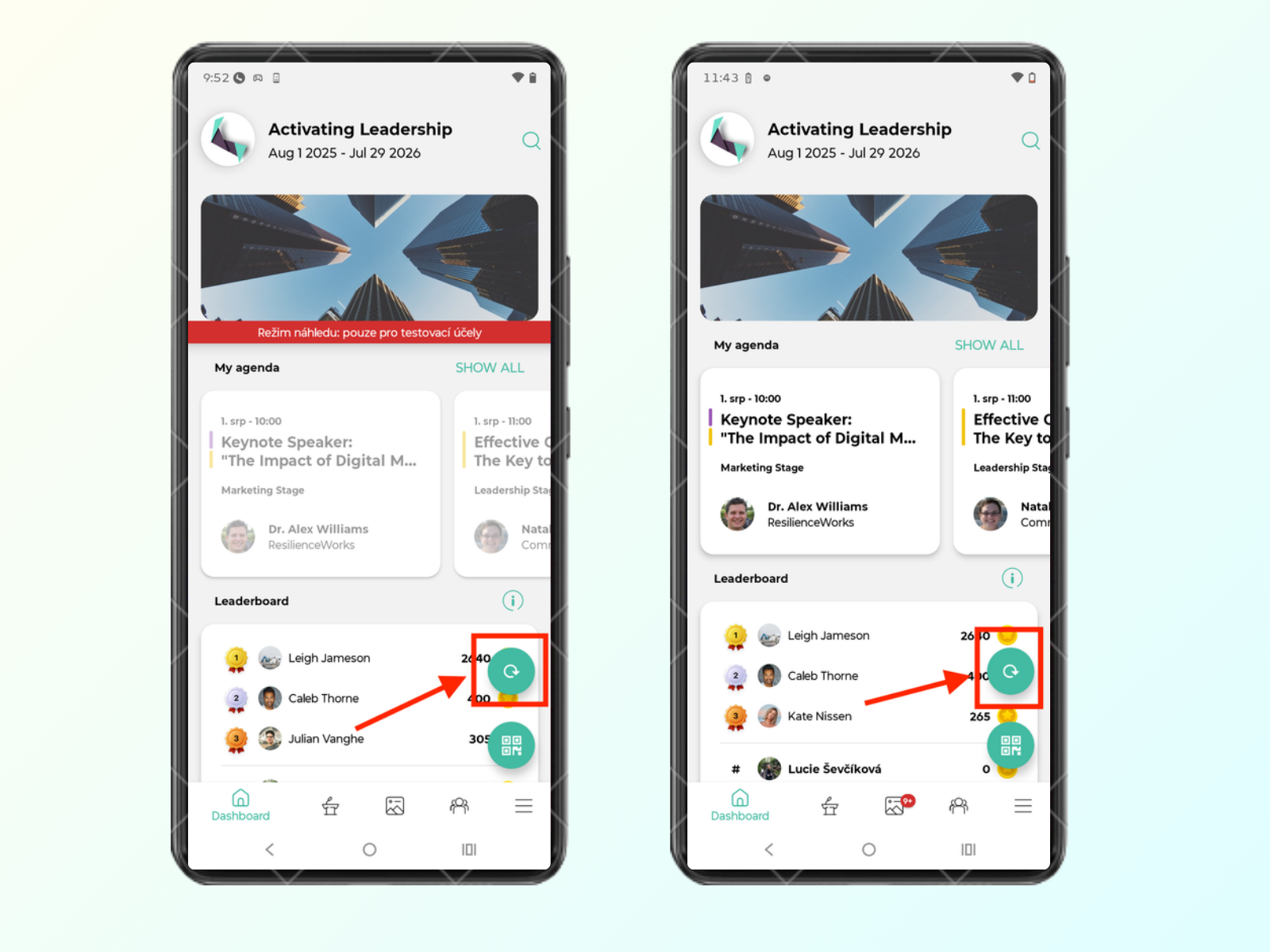
If you are logged in as a team member (moderator, owner, admin), you will see a refresh button in your app. This button is visible whether the event is in draft or public status (more about understanding event publishing options). The button is only visible to team members; attendees will not see it. To refresh the data, tap the button.
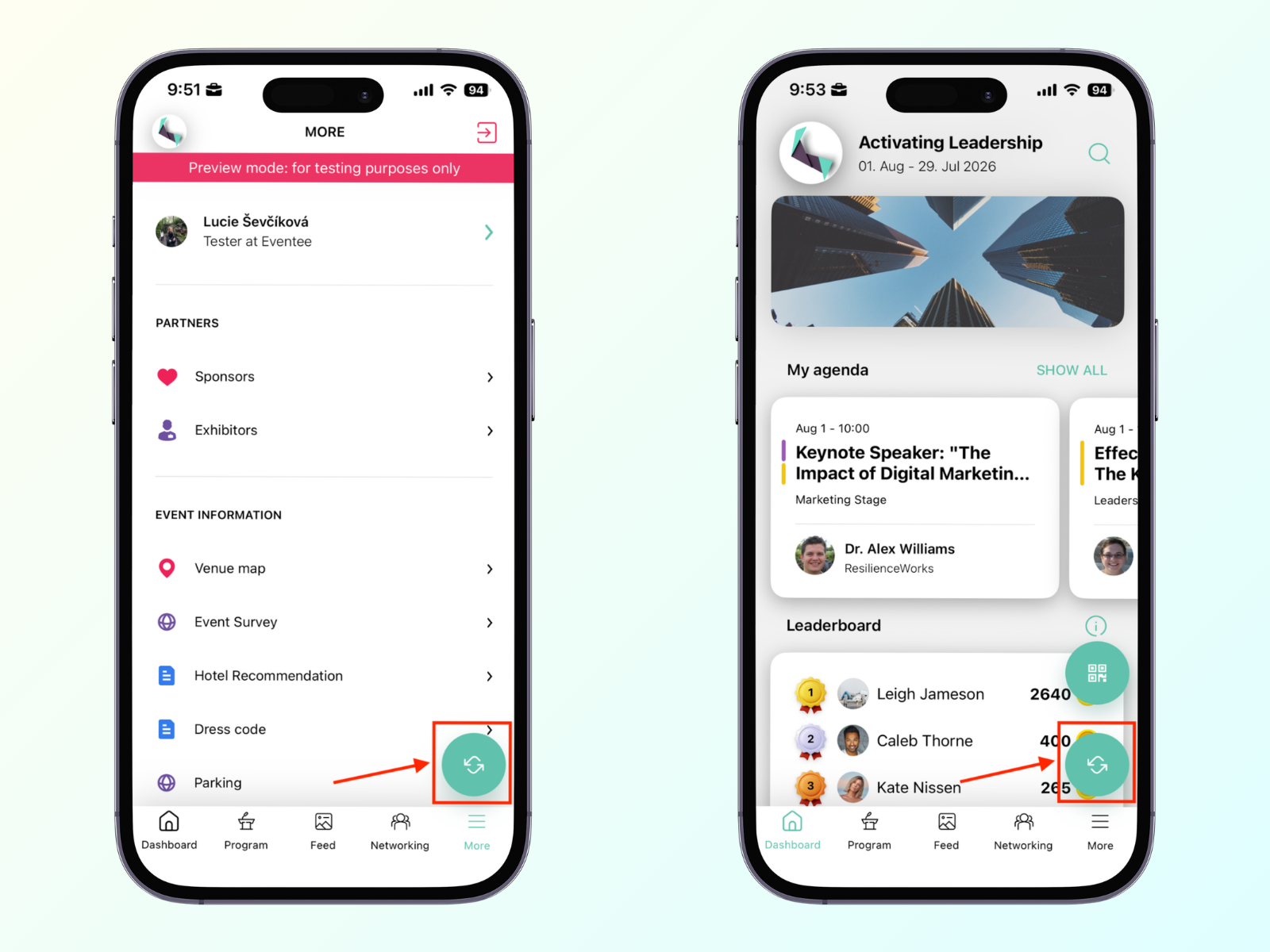
Alternatively, you can update the data by force-closing the app and reopening it.
Team members can also use the refresh button when logged in.
You can try logging out and logging back in to see if the data updates. If none of the suggestions above helped, please contact our support team at [email protected] so we can look into it. There might be a caching issue with the event.