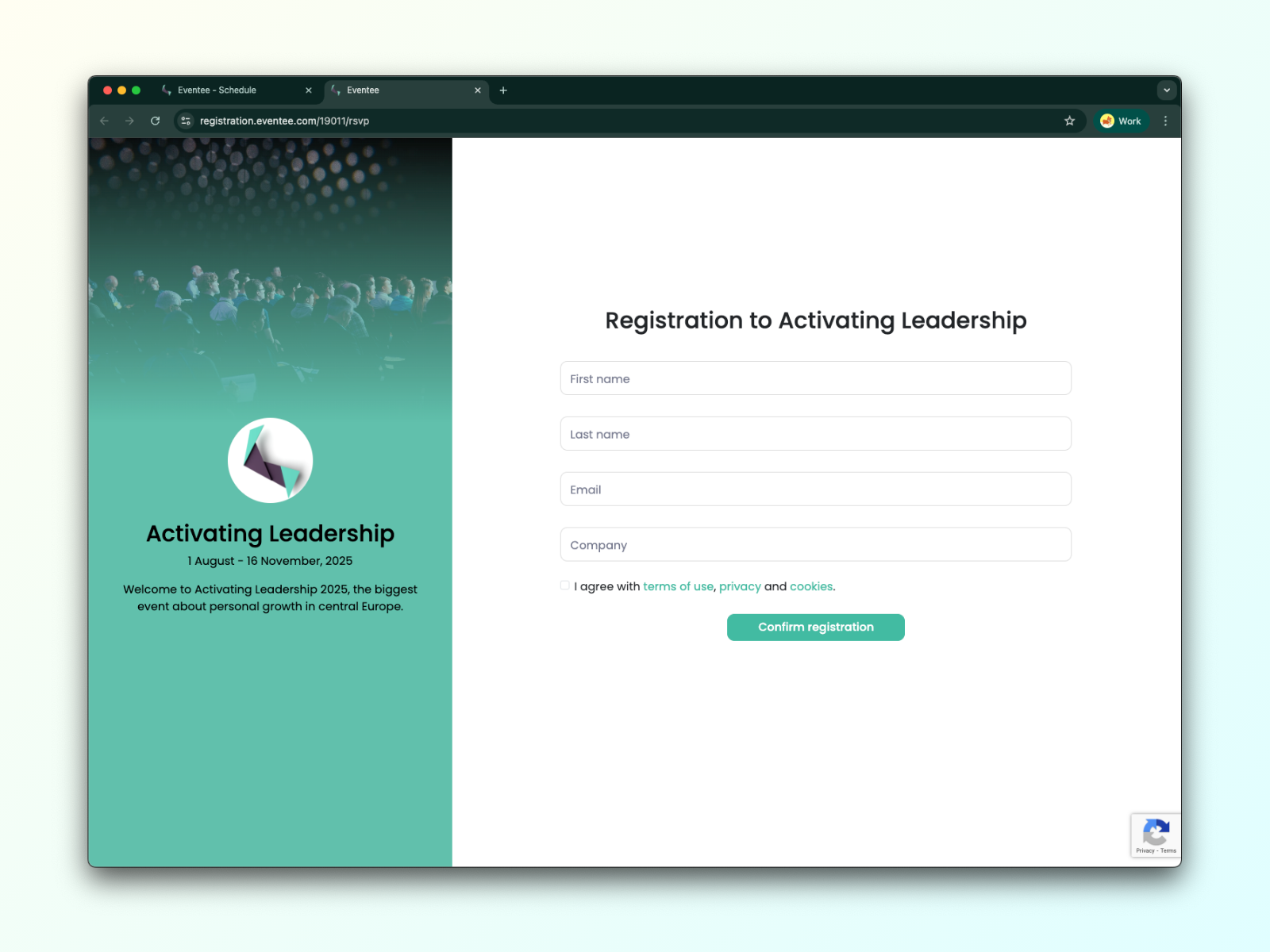
Before you start sending out RSVPs, you need to open the registration so that registrants can fill out the registration form.
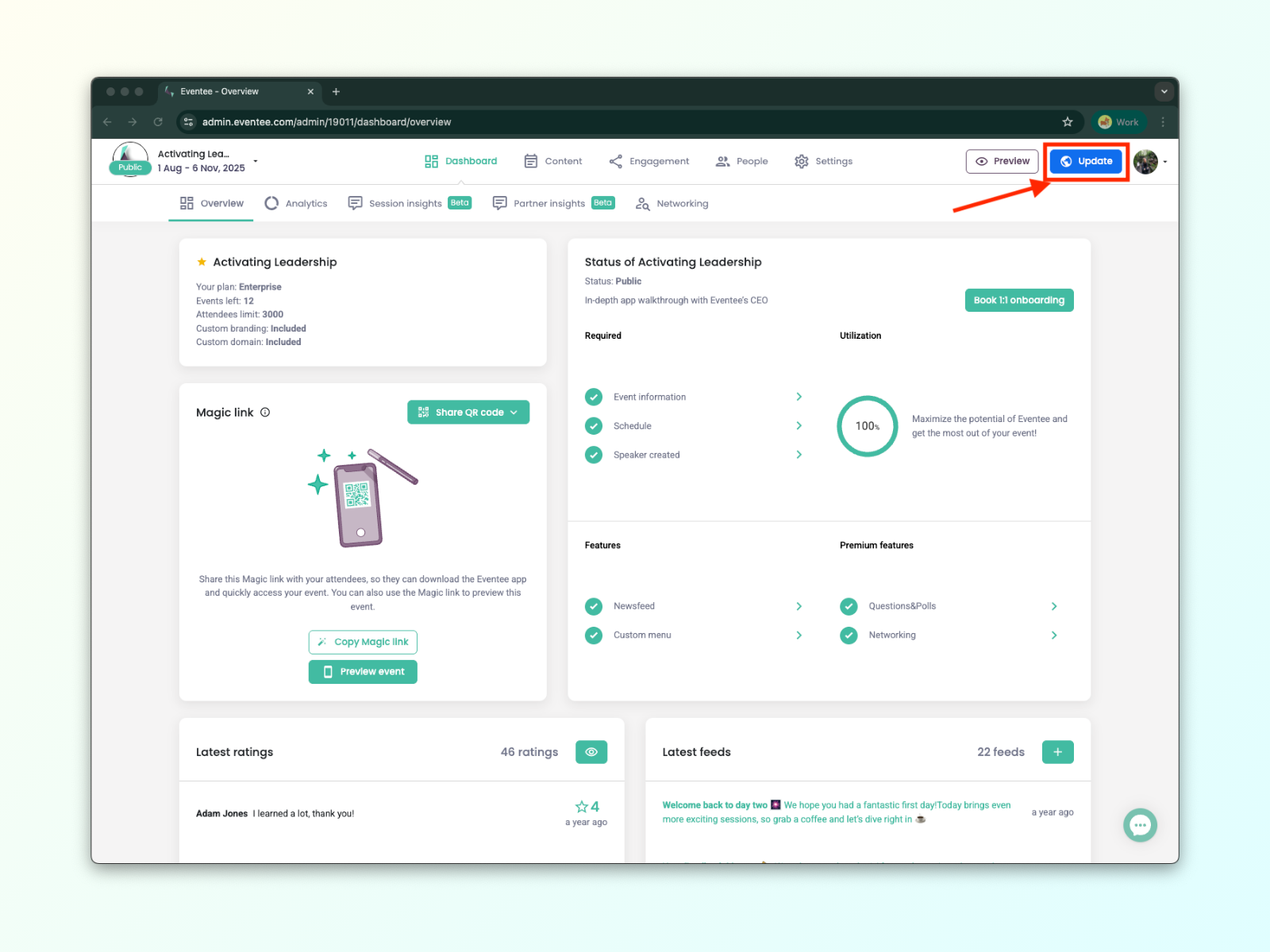
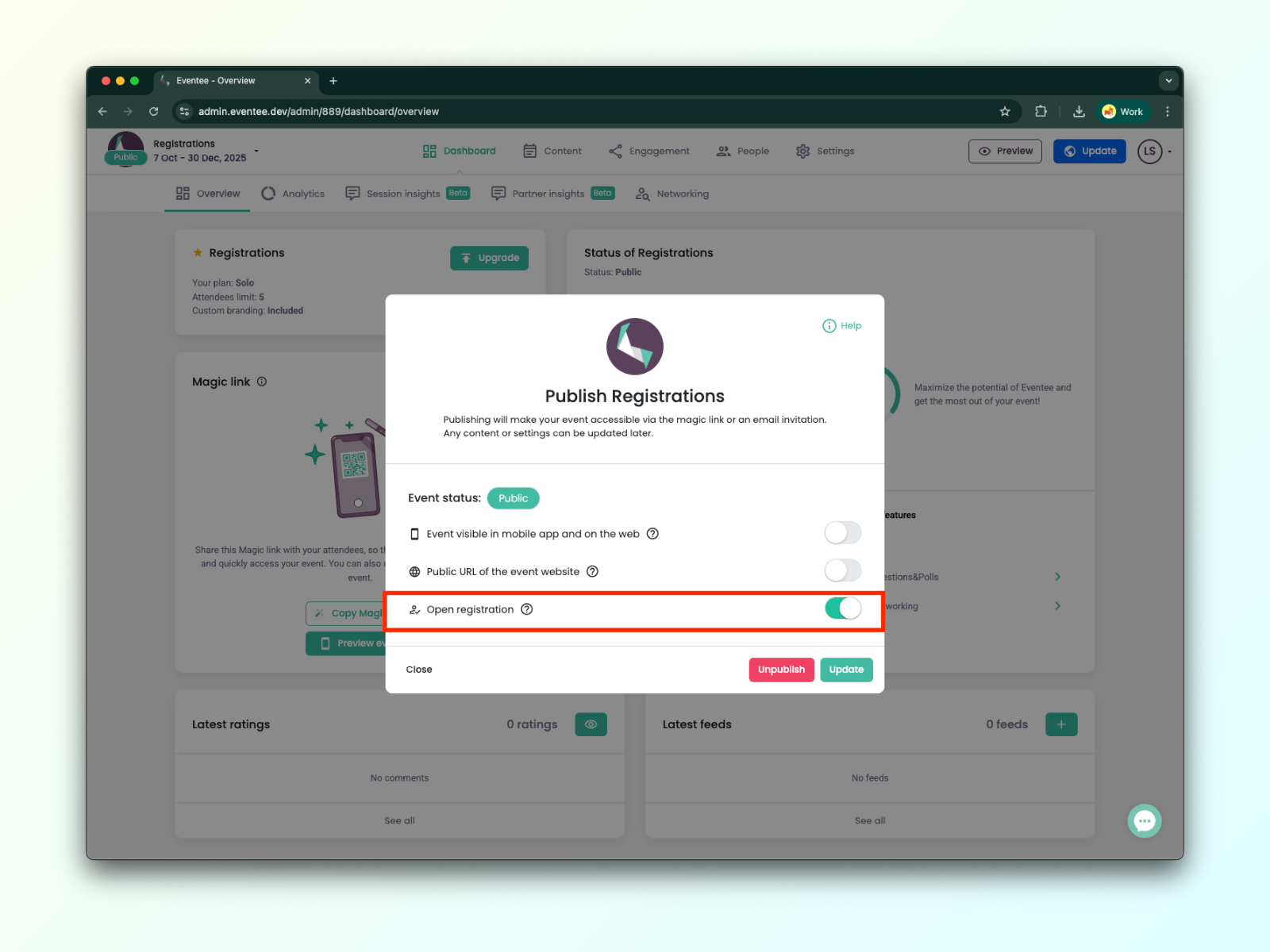
Click on the blue "Update" button located in the top-left corner next to your profile.
In the pop-up window, turn on the toggle button named "Open registration”.
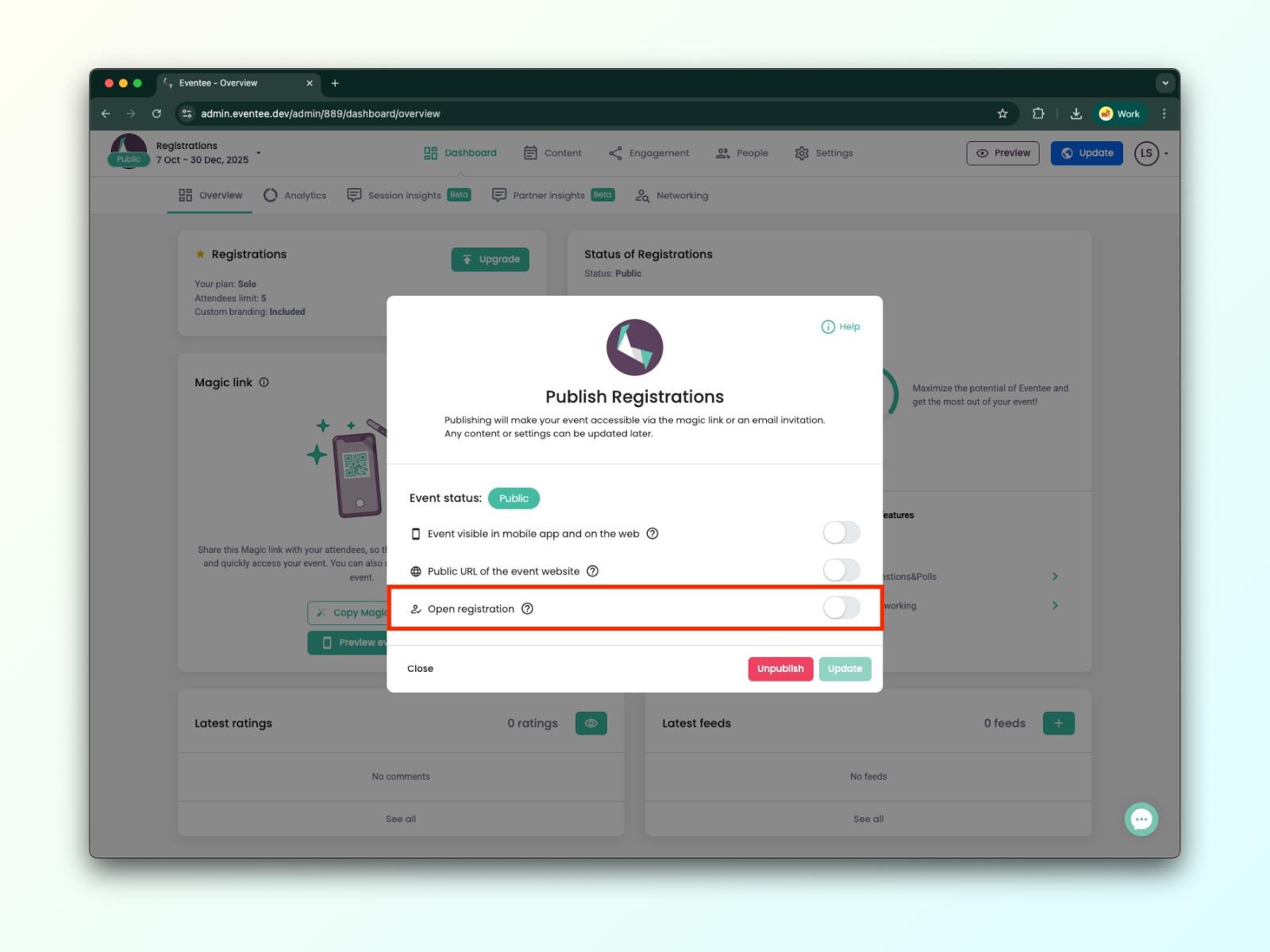
When “Open registration” is enabled, registrations are open, and your registrants can fill out the registration form.
To close the registration, follow these steps:
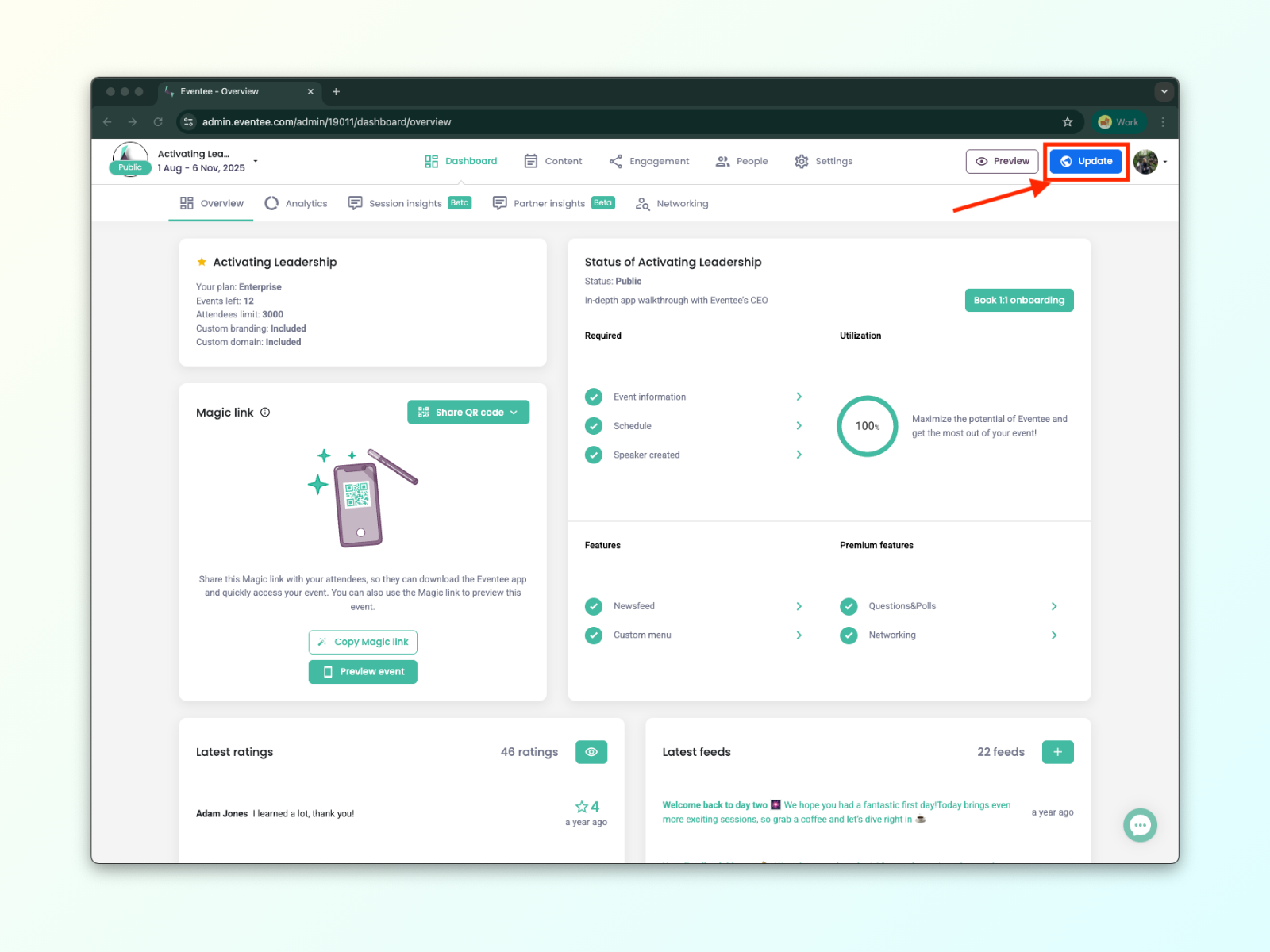
Click on the blue "Update" button located in the top-left corner next to your profile.
In the pop-up window, turn off the toggle button named "Open registration”.
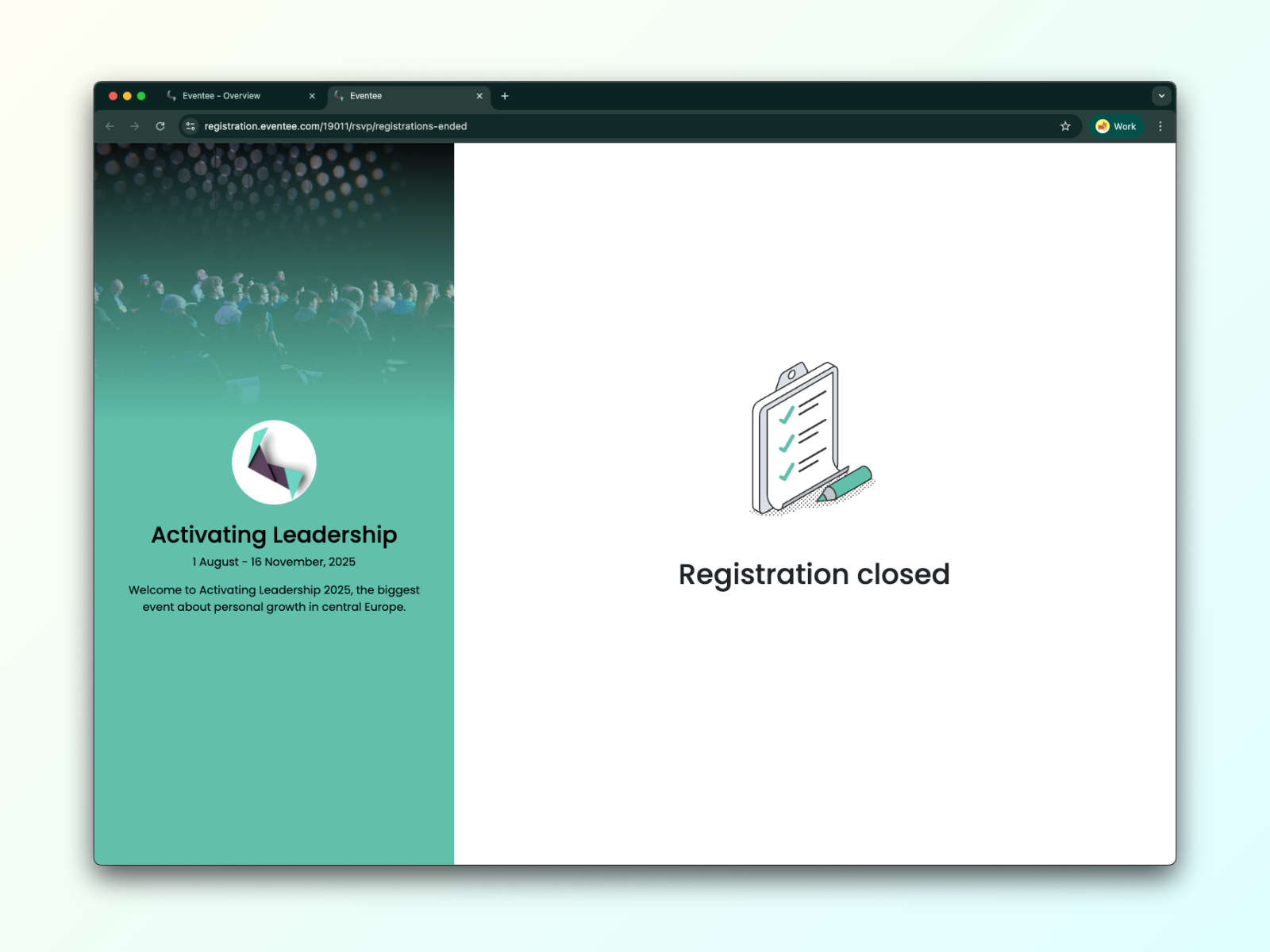
Once “Open registration” is disabled, registrants who open the registration link will see a message “Registration closed”.
Detailed information about RSVPs can be found in the article How do registrations work in Eventee?