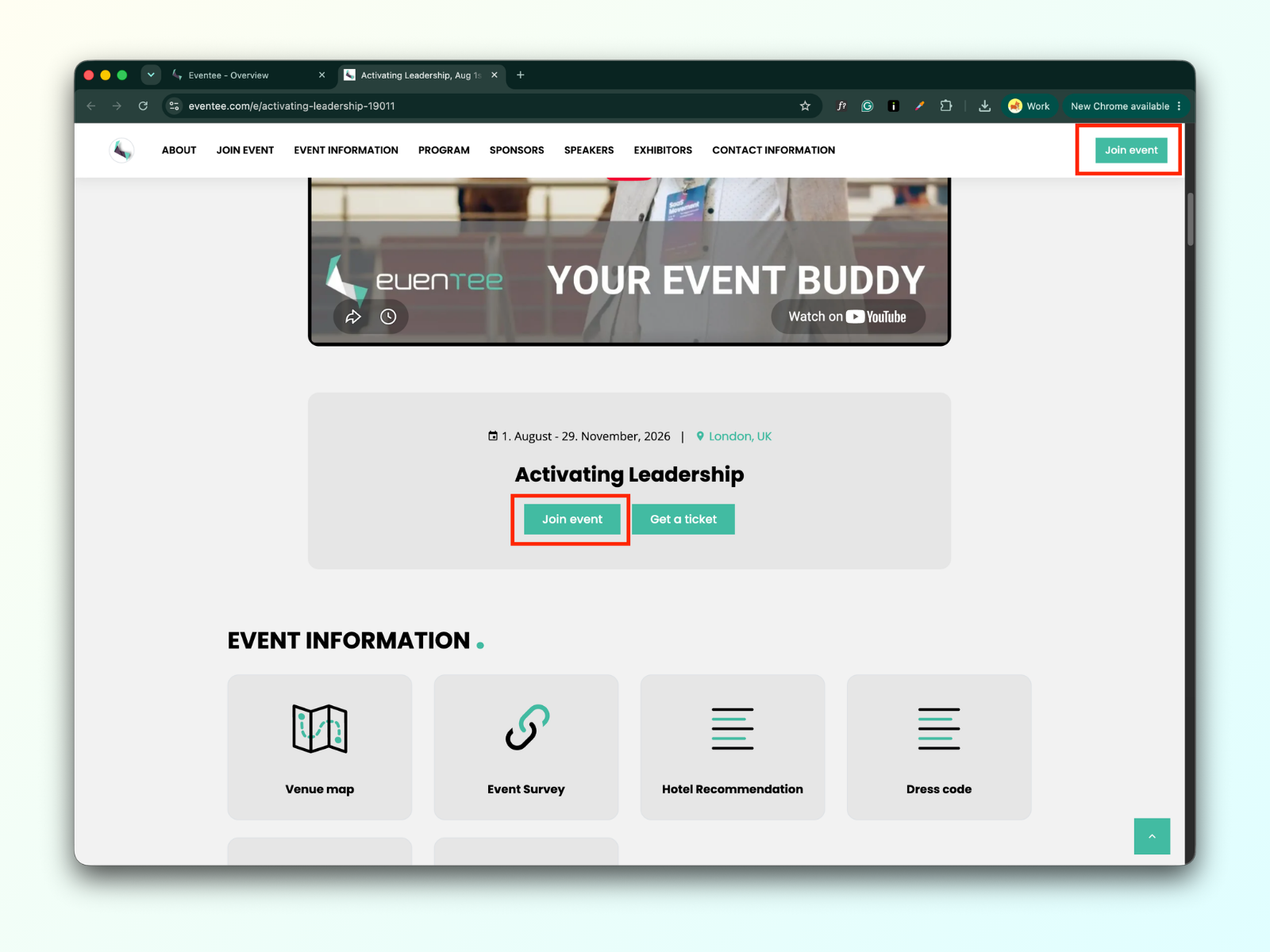
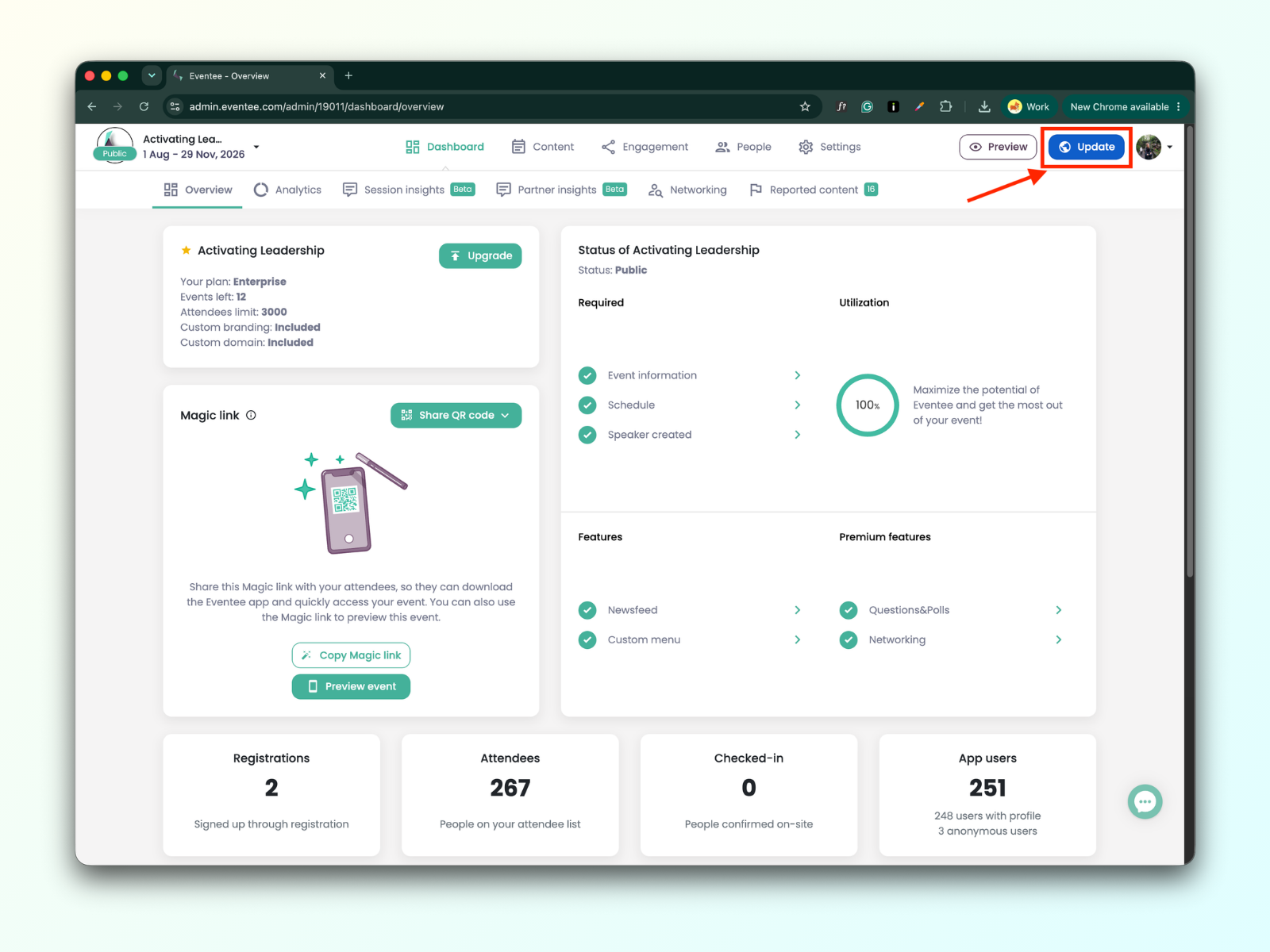
The registration button remains visible on the website as long as registrations are open. Once you close registrations, the button is hidden. You can open and close registrations in the modal window that appears after clicking the Update button.
Update button
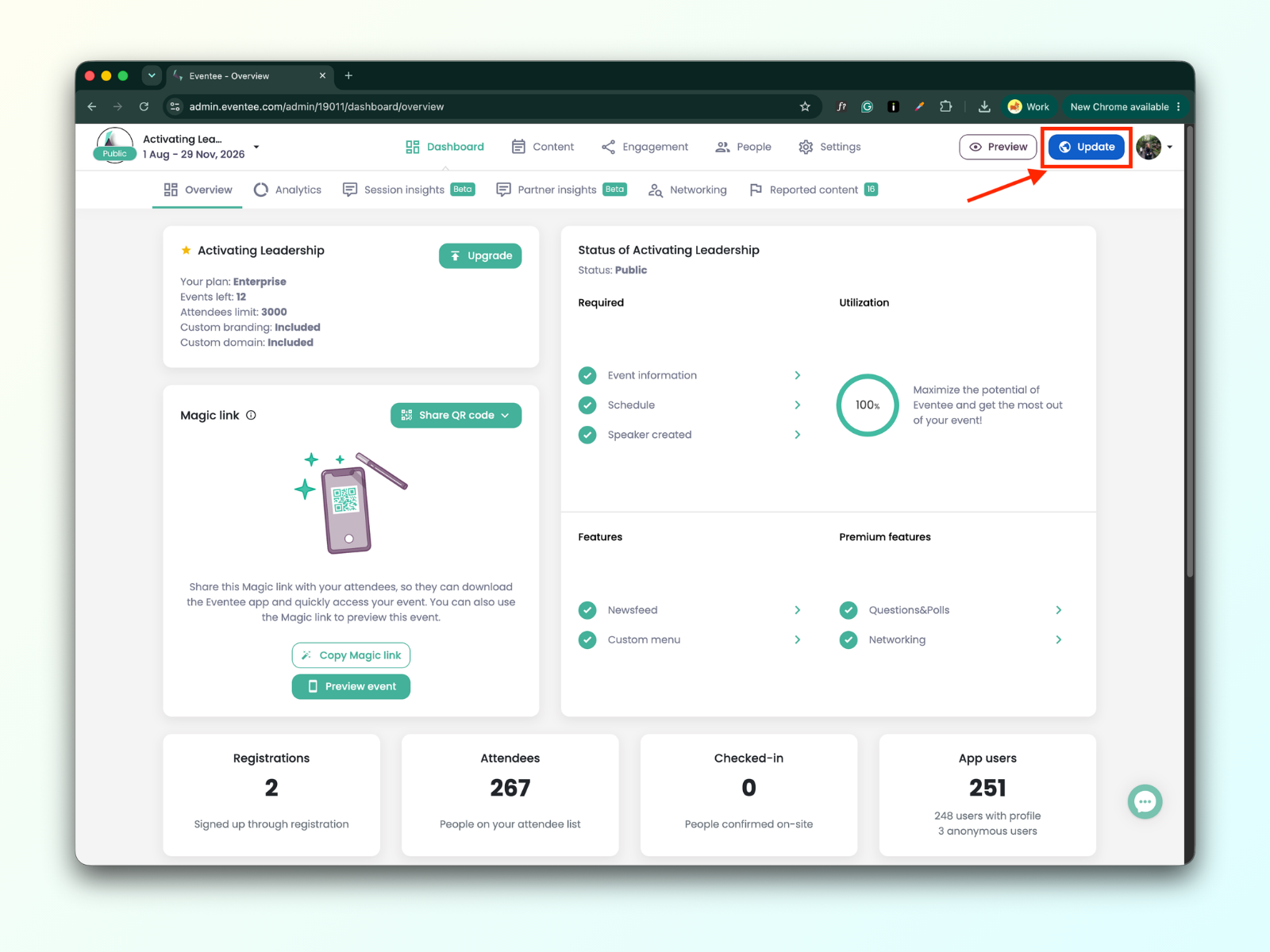
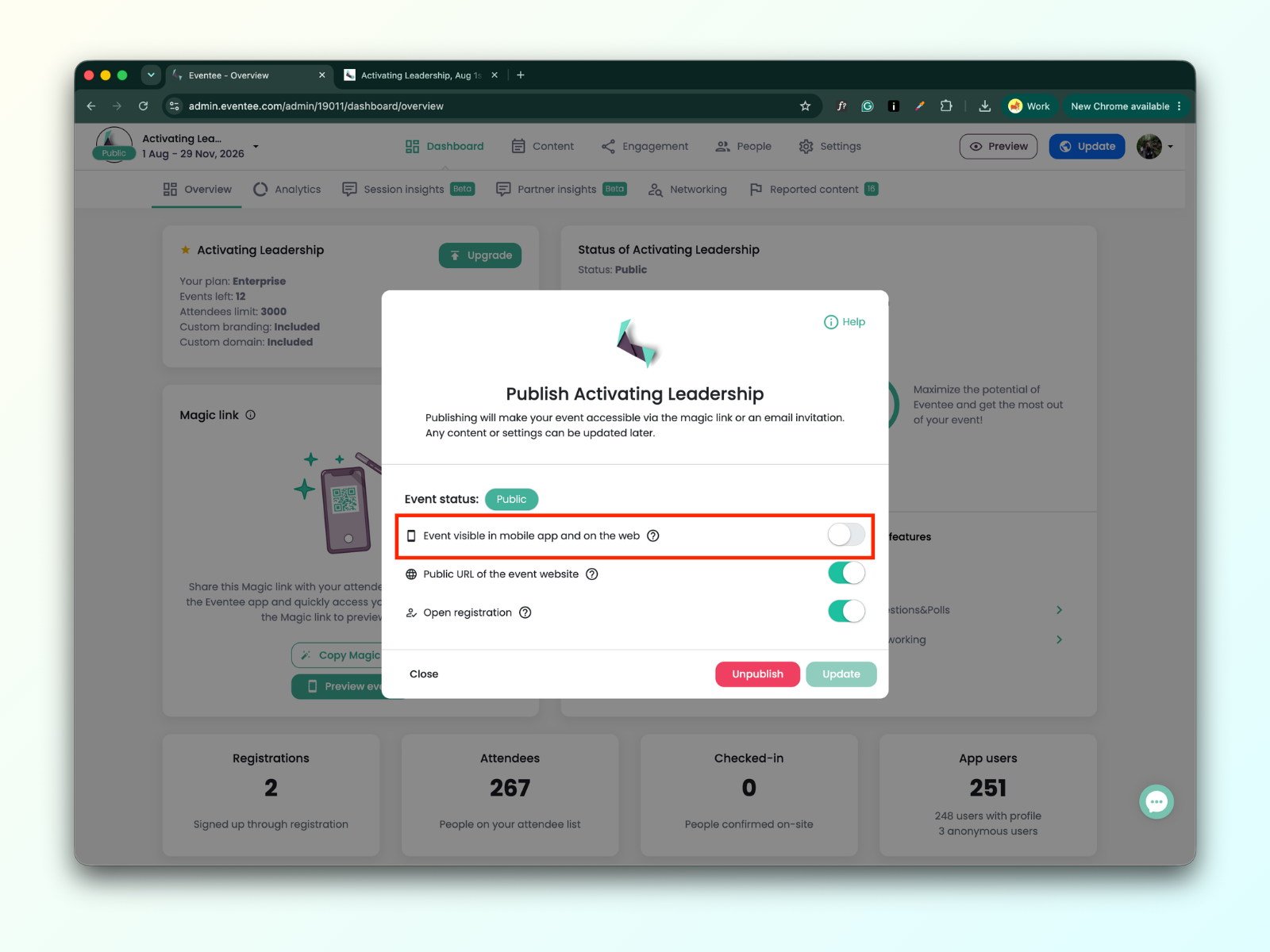
In the modal window, choose whether you want the registration button to be visible (registration is open)or hidden (registration is closed) on your event website.
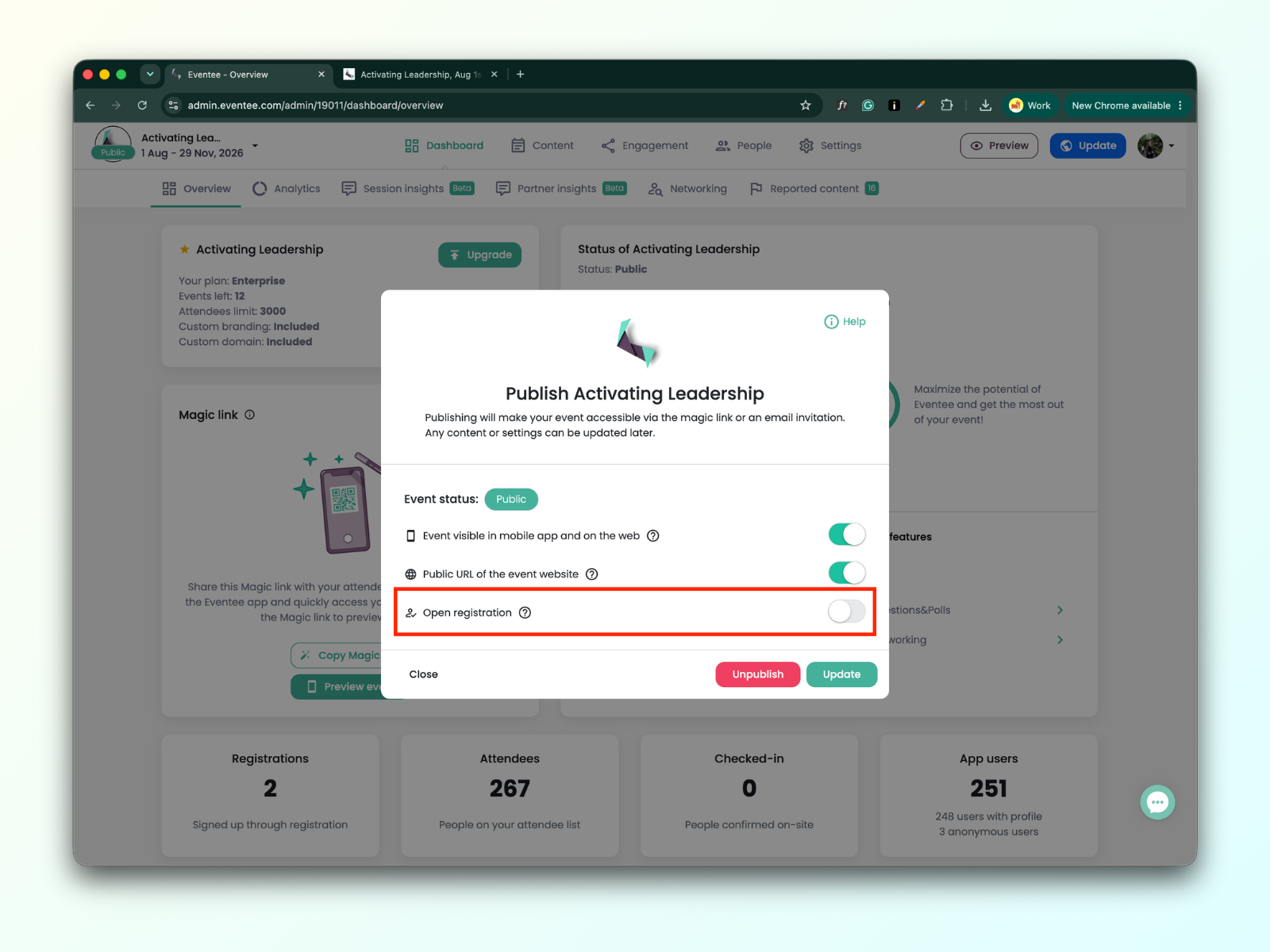
Check your event website.
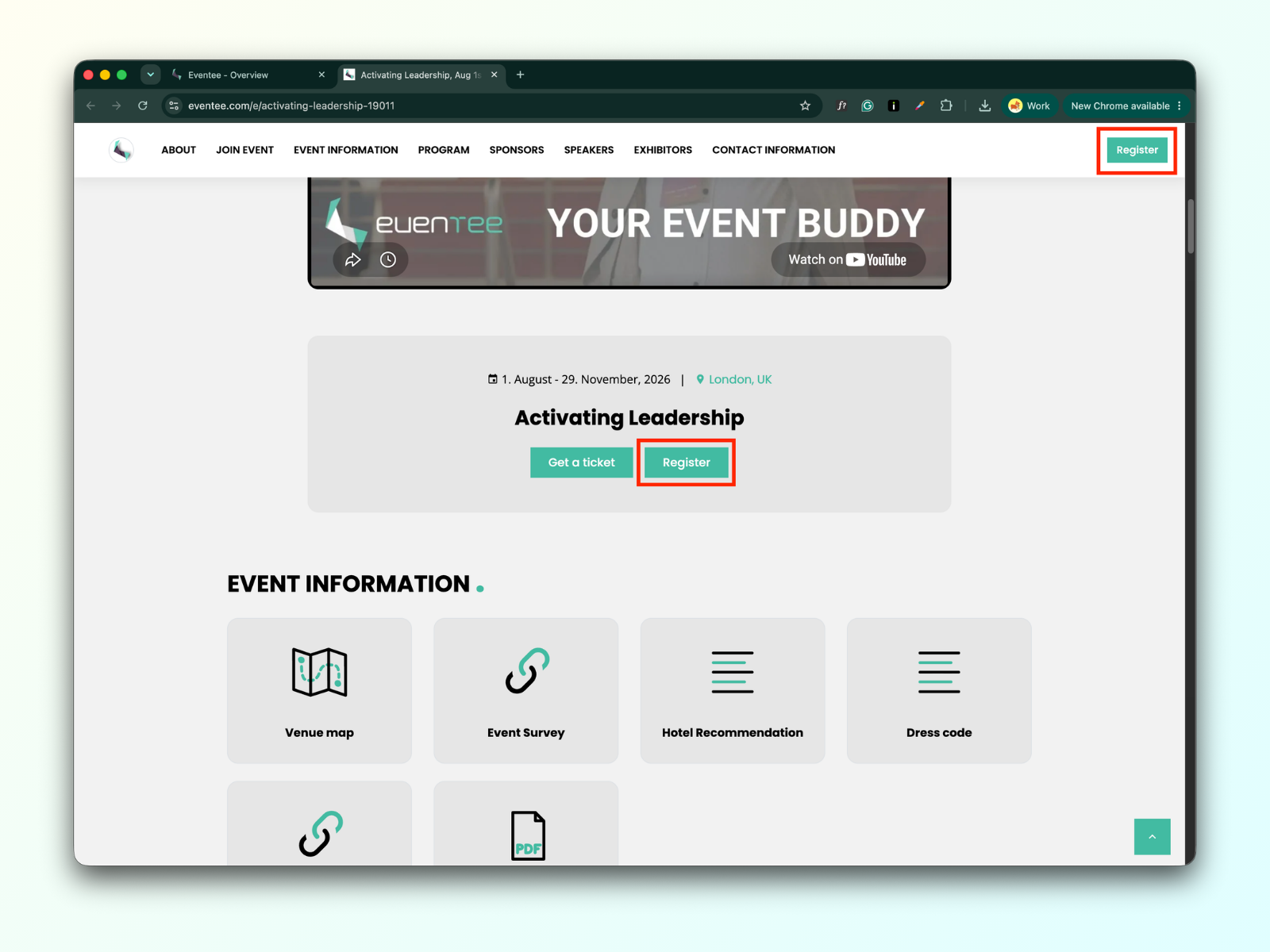
The join event button is visible on your event website after you enable option “Event visible in mobile app and on the web”. When the option is disabled the button is hidden.
Click the Update button
In the modal window, choose whether you want the join button to be visible or hidden on your event website.
Check your event website.