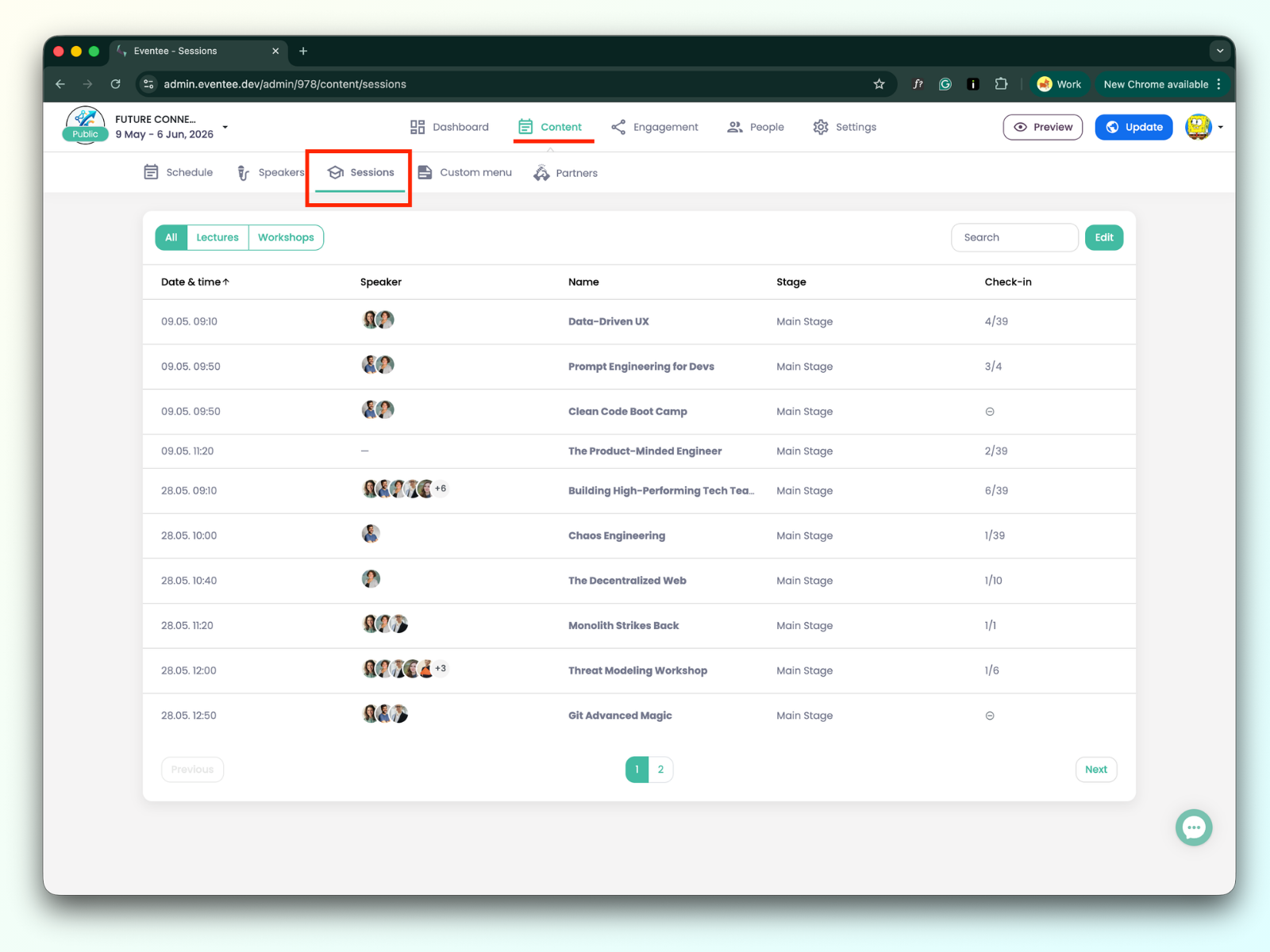
You manage your sessions by navigating to Content -> Sessions.
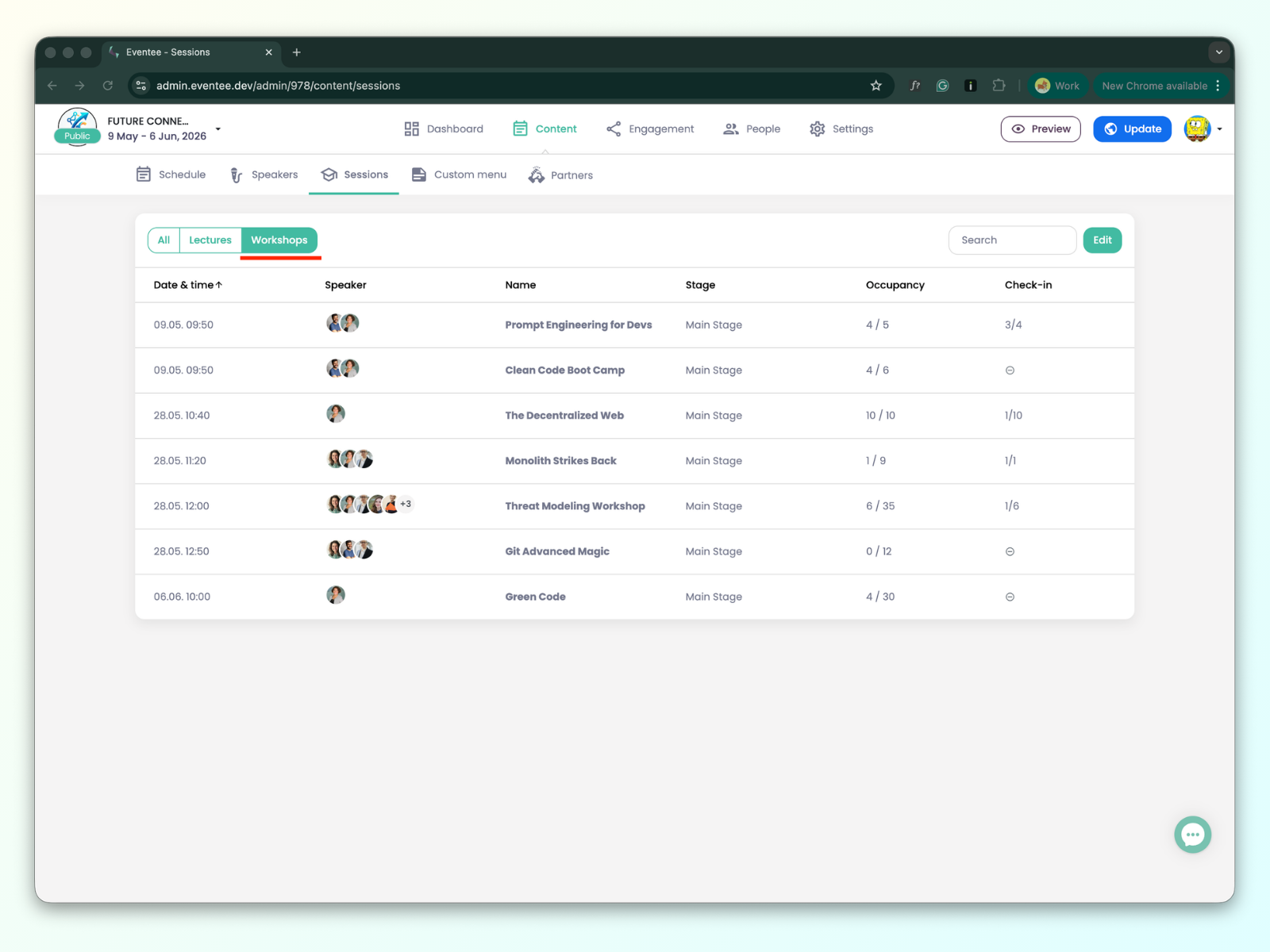
Go to the workshop view, select the workshop, and open its details.
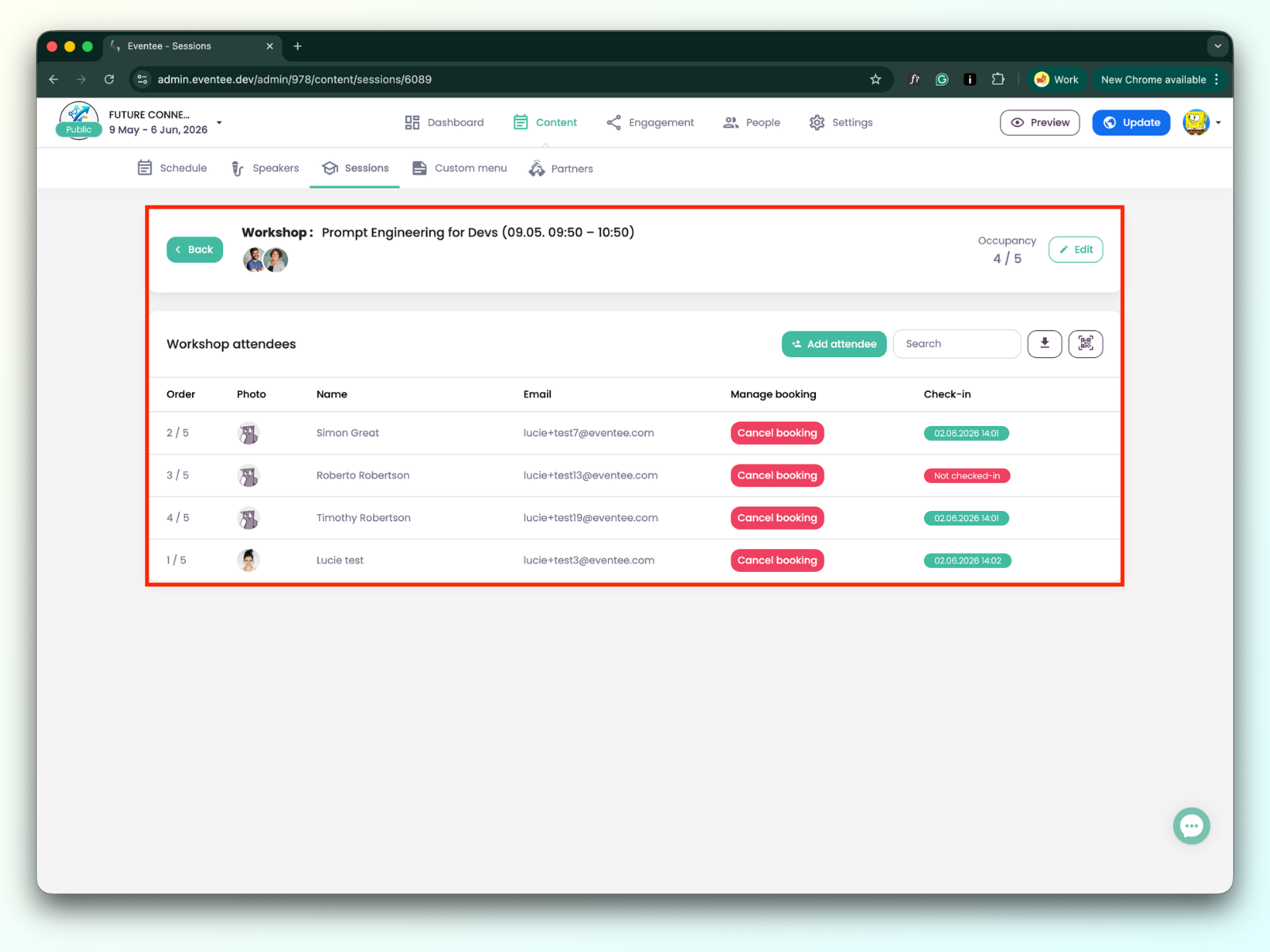
Click the Add Attendee button. If you want to add an existing attendee, use the search bar and click on the attendee to add them to the workshop.
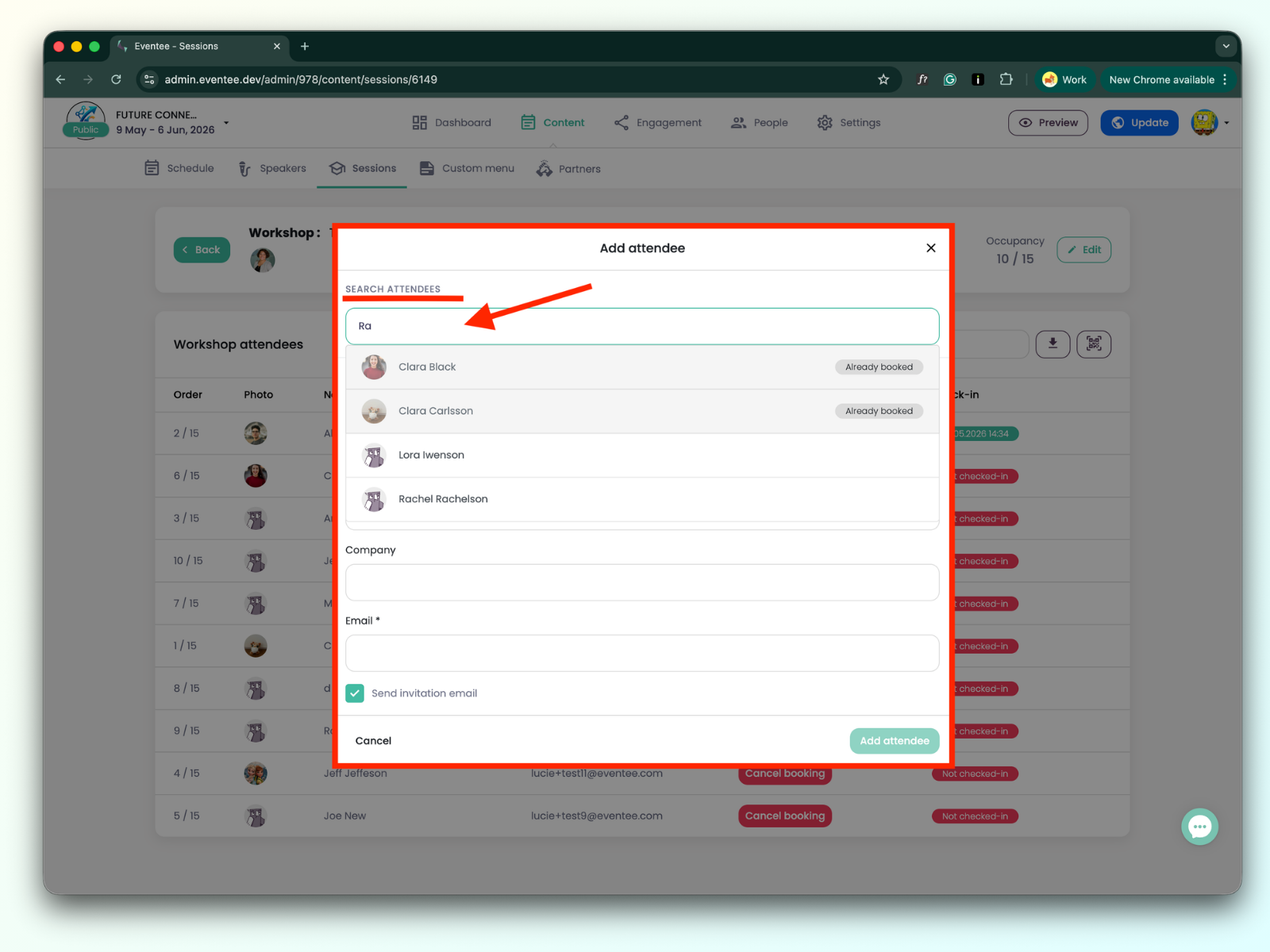
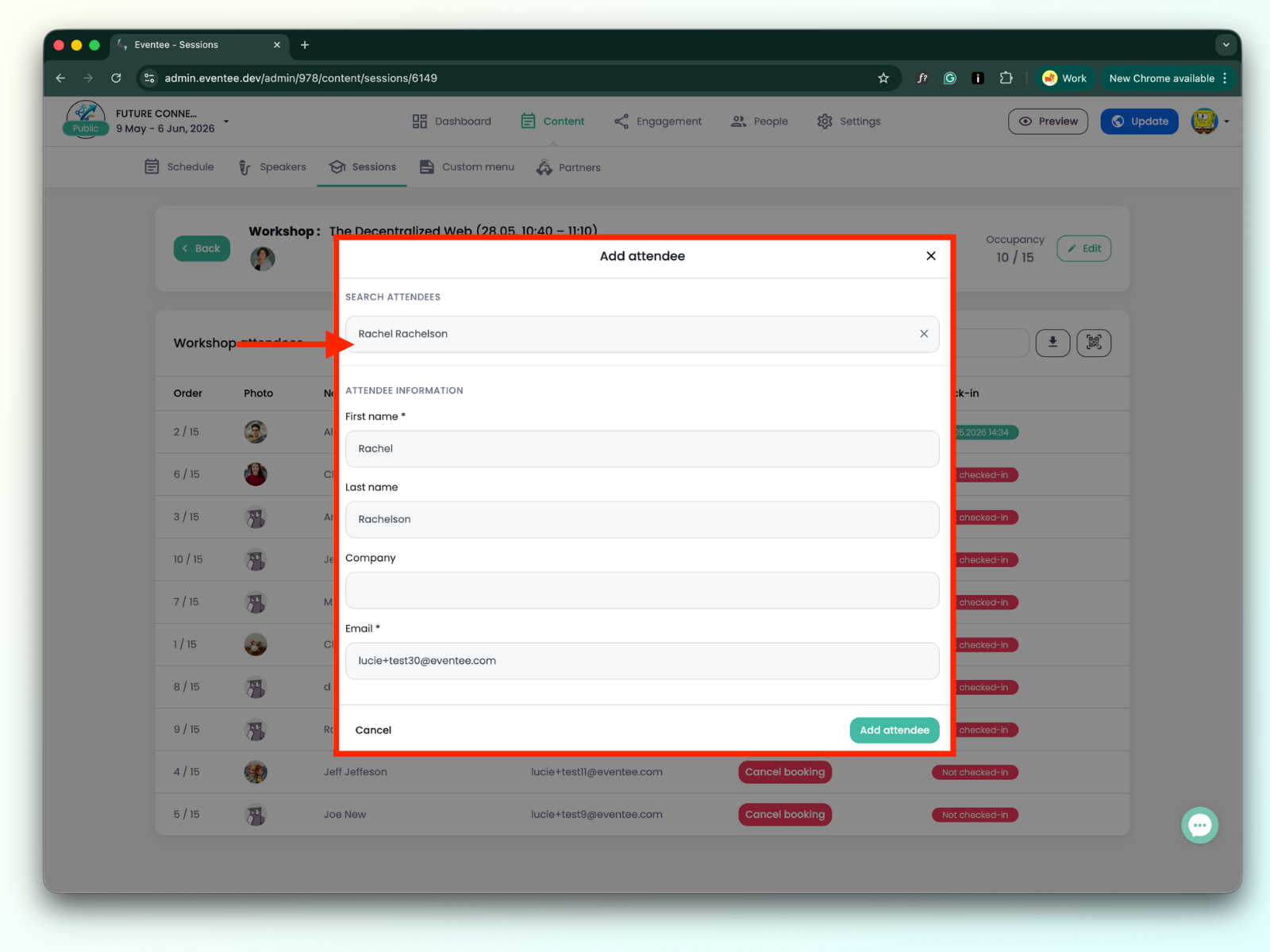
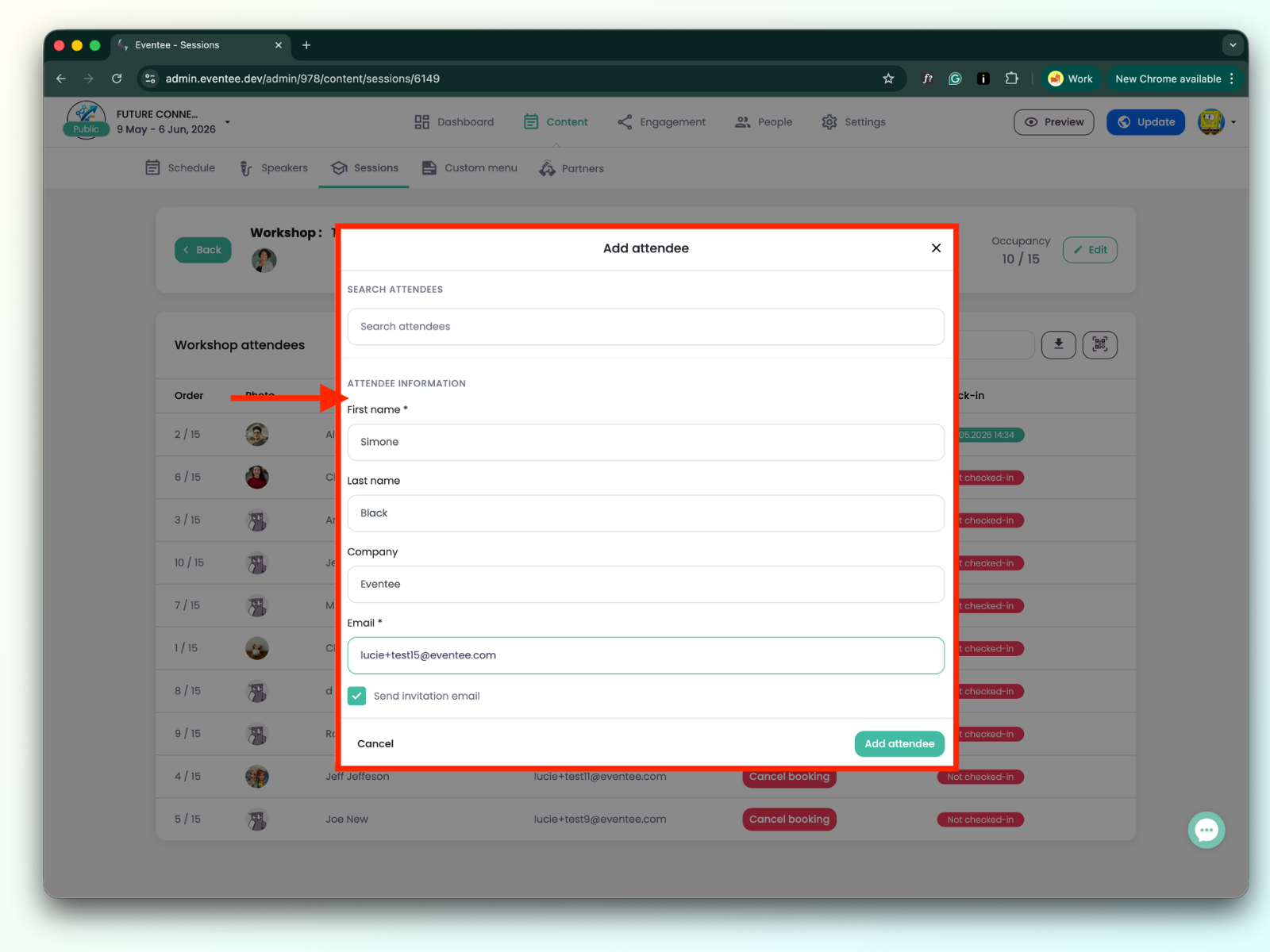
Click the Add Attendee button. If you want to add a new attendee who is not yet in the event, fill out the form and click Add Attendee. You will then find the attendee in the workshop list as well as on the Attendees page.

Find the attendee whose booking you want to cancel, then click the Cancel Booking button.
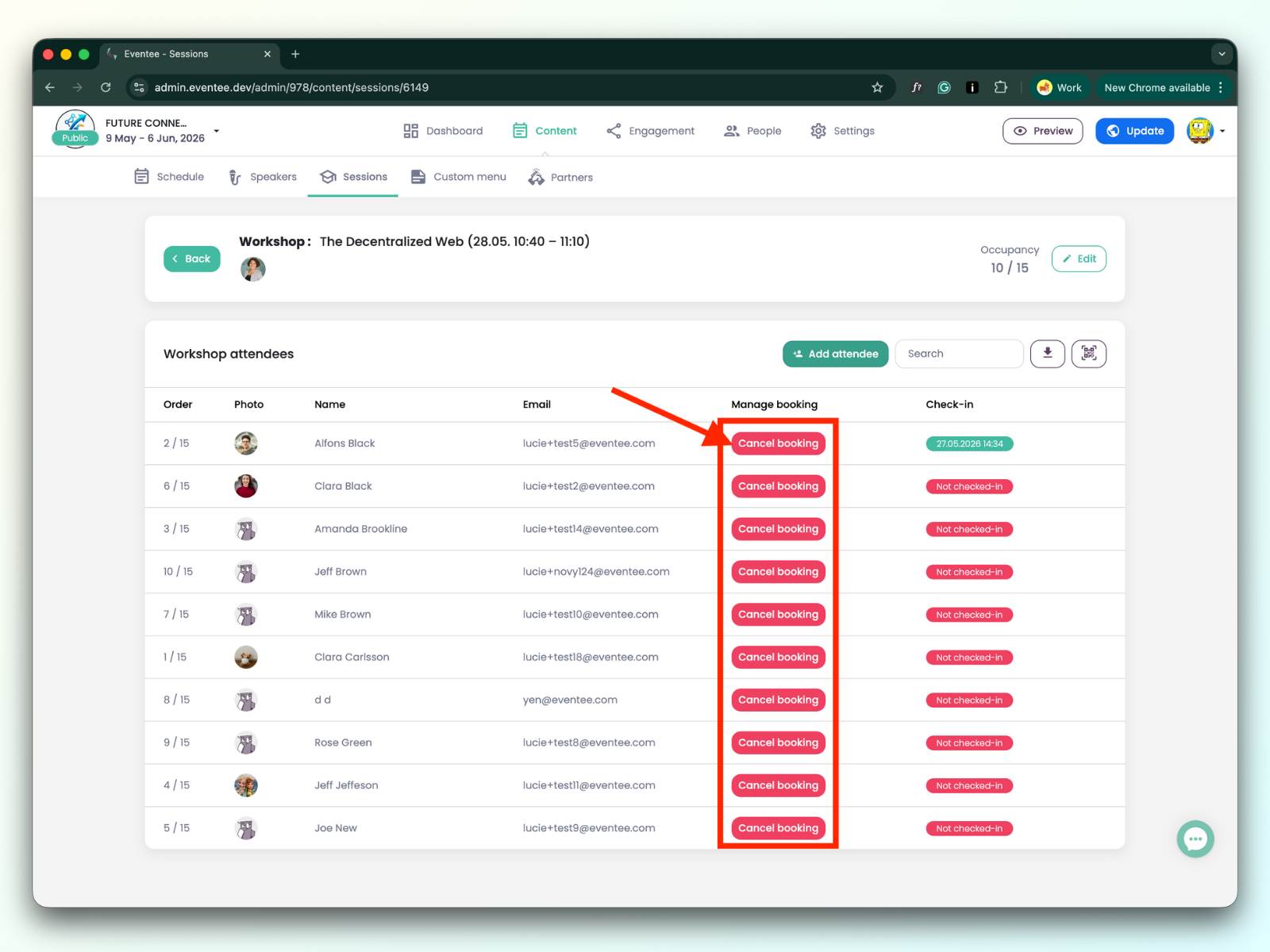
Both creating and canceling a booking are instantly reflected in the attendee's app. This means that when you create a booking for them, they will see that the spot is reserved and the workshop will appear in their "My Agenda" section. If you cancel the booking, they will receive a notification in the app stating that the booking has been canceled.