If you encounter content from another user that is abusive, harmful, or inappropriate, you can report it directly to the event administration team. You can report content on social wall posts, session ratings, and session questions.
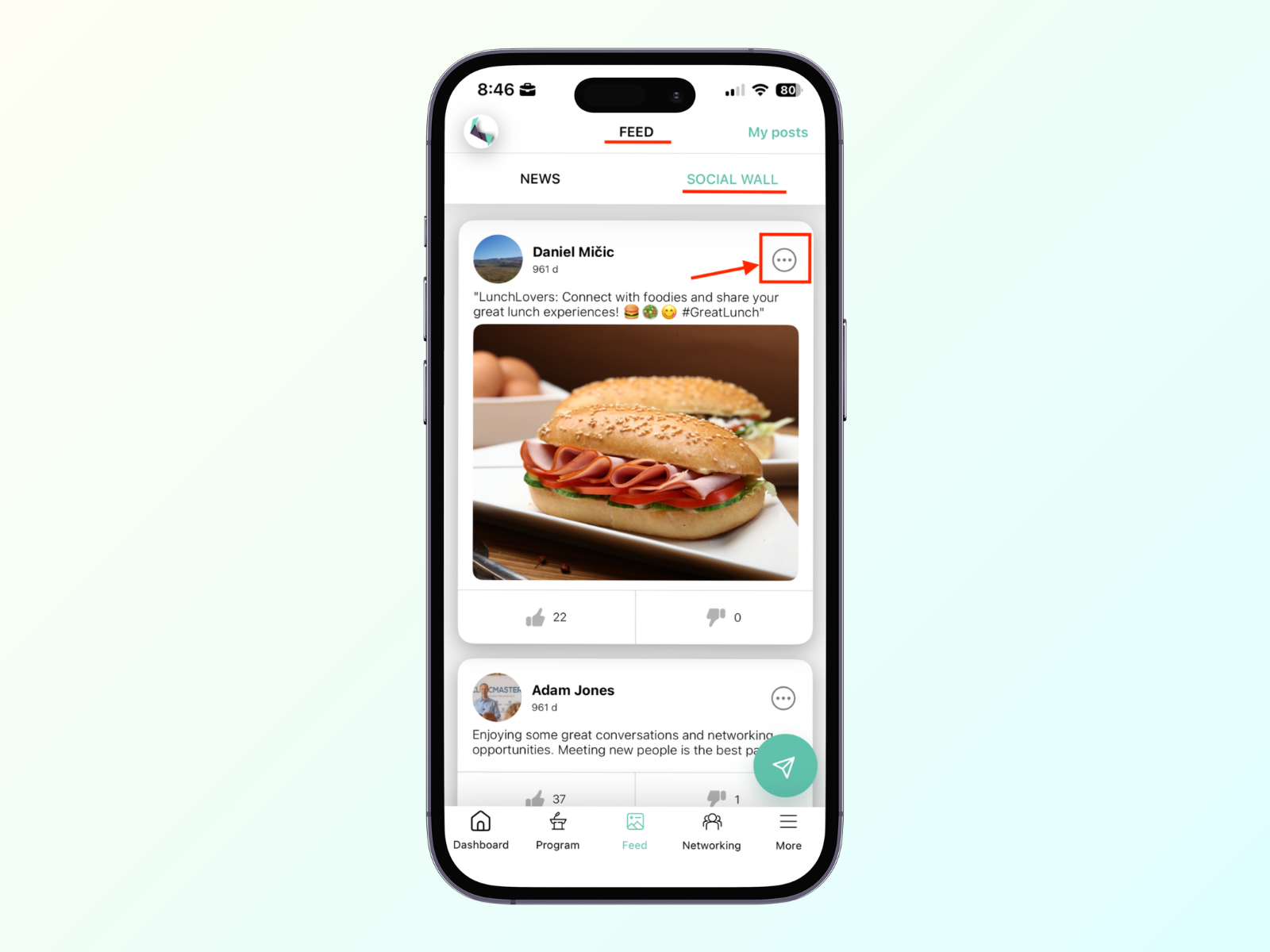
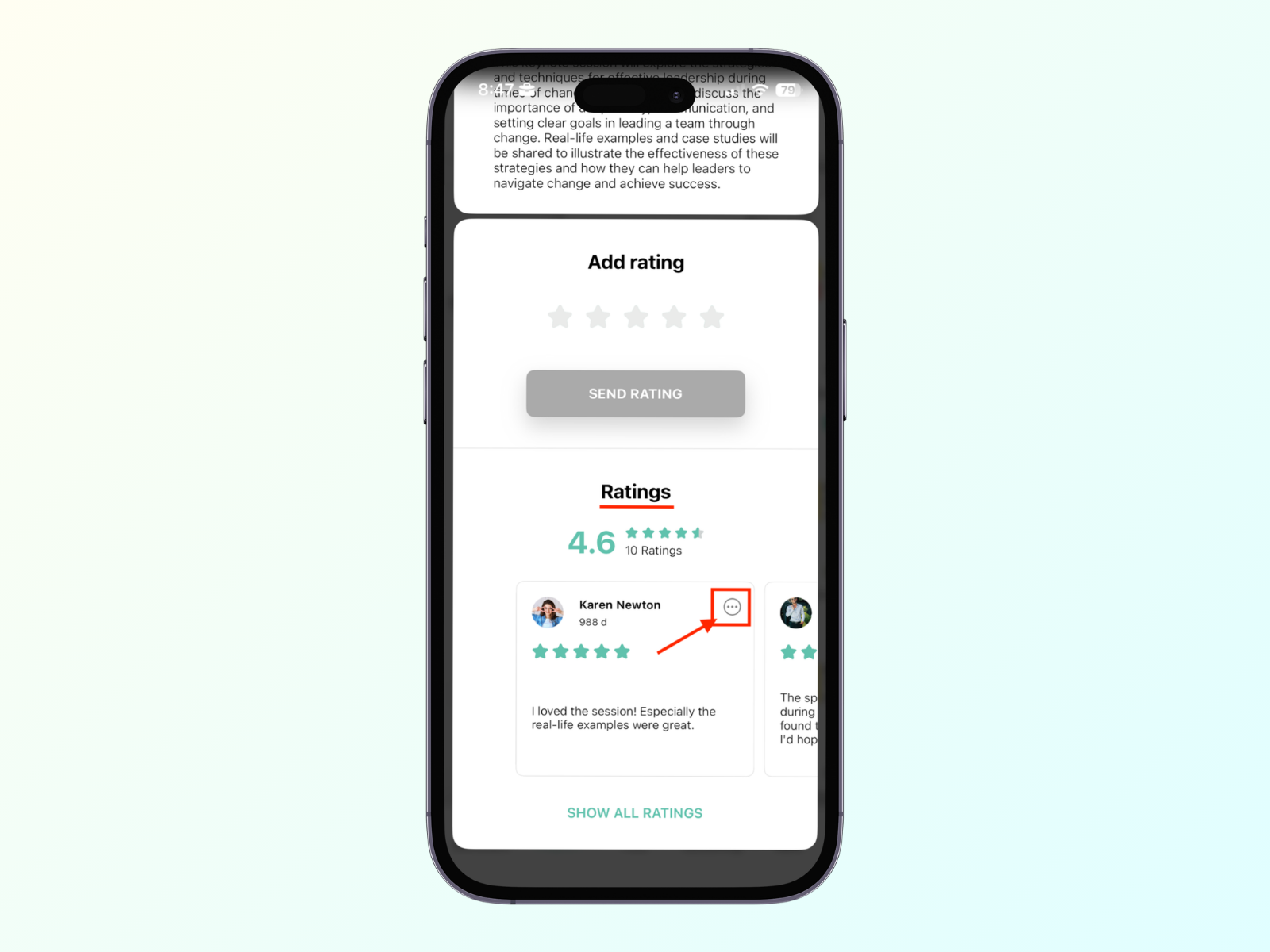
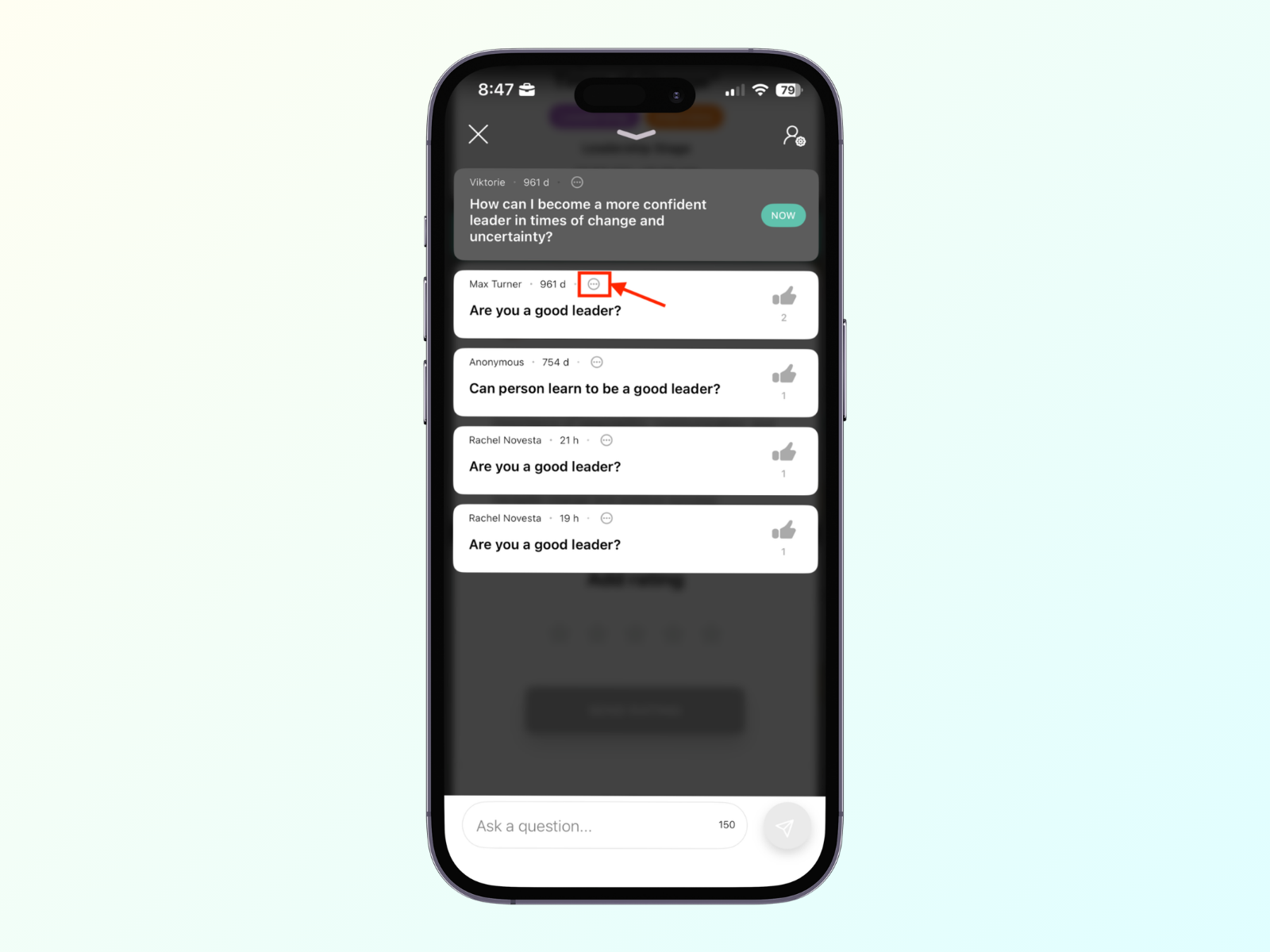
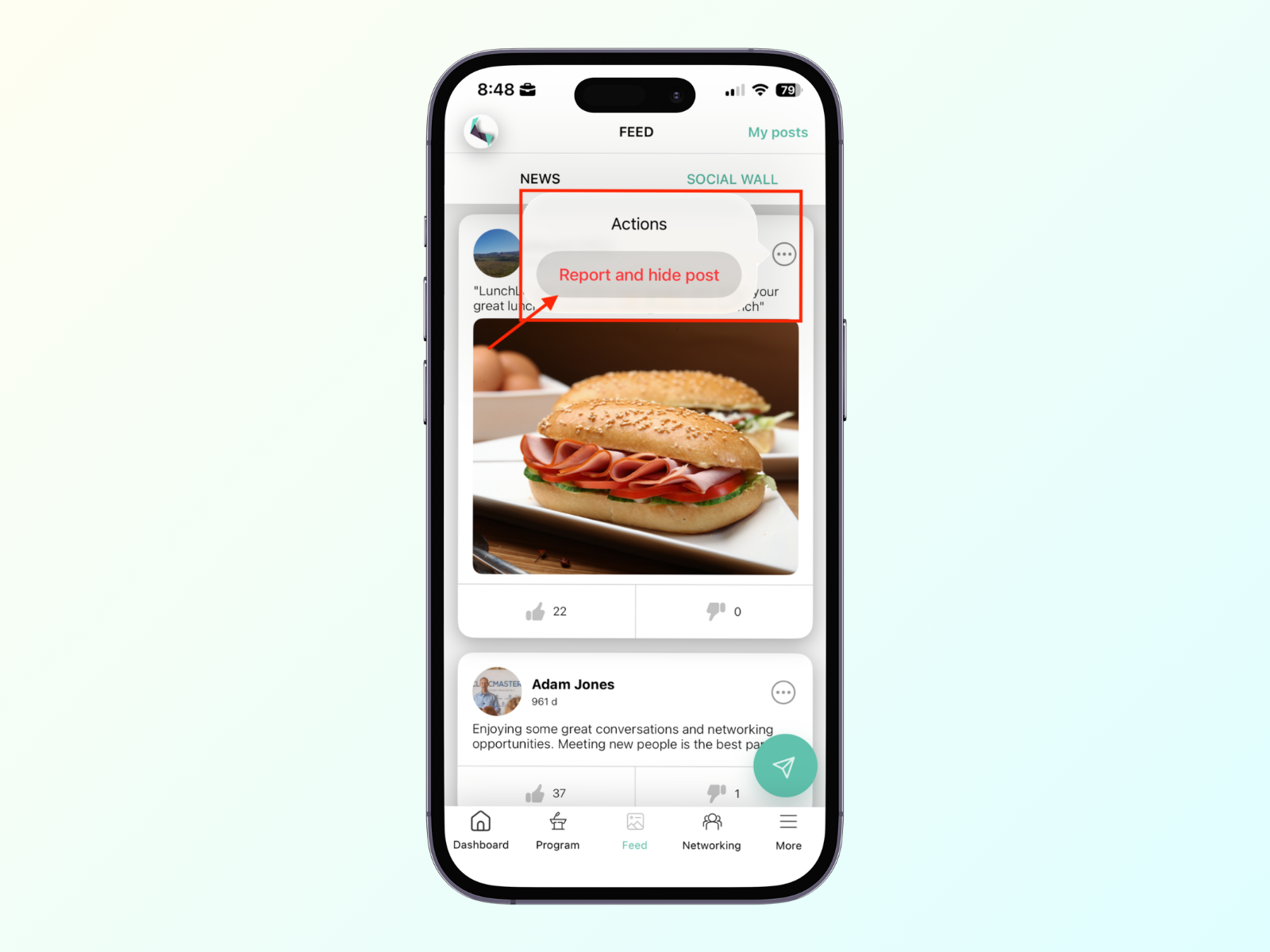
Click on the button in the top-right corner of the post.
Social wall
Session ratings
Session questions
Click on the Report and hide post button.
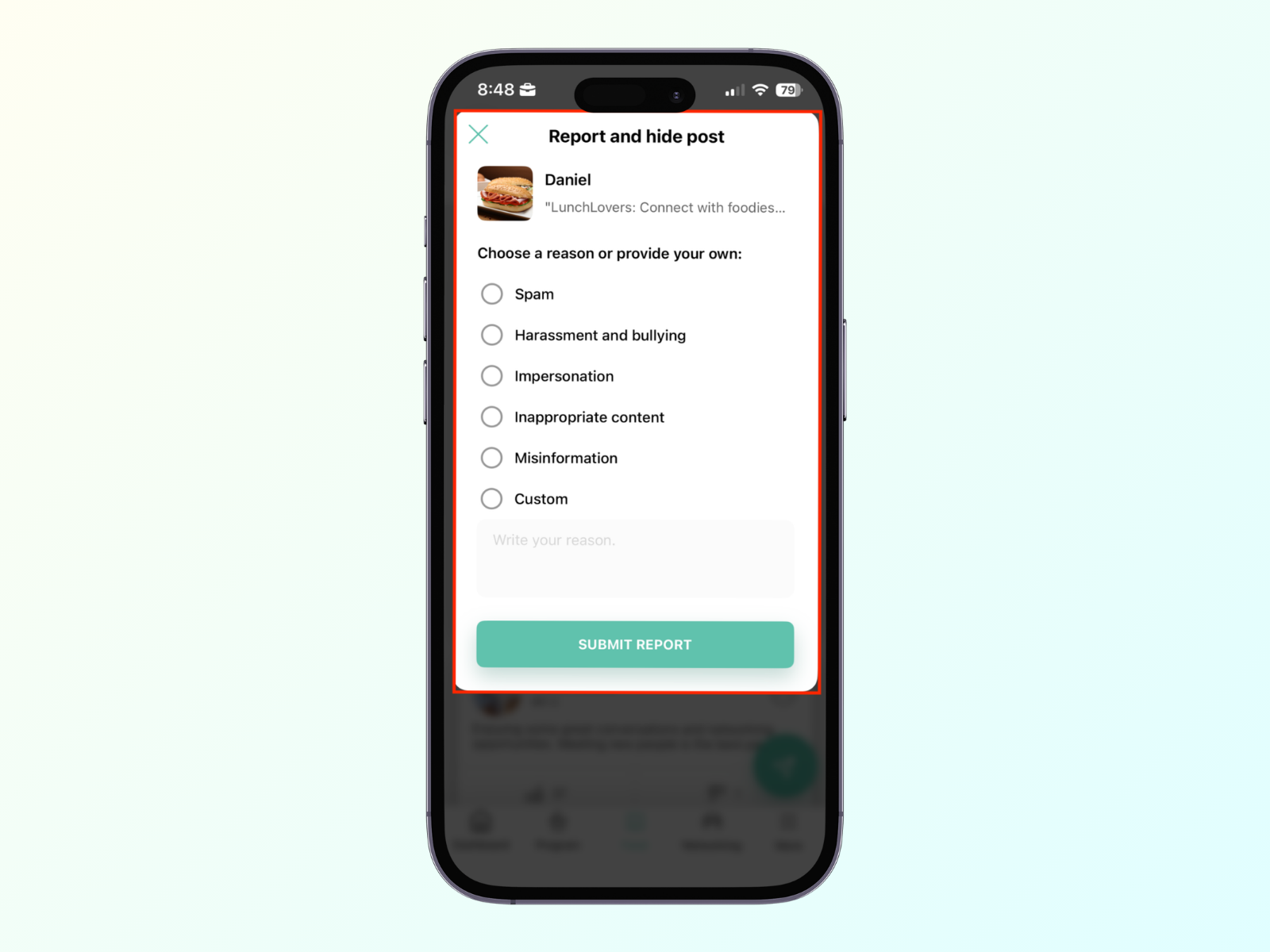
Select a reason for reporting the content, or add your own.
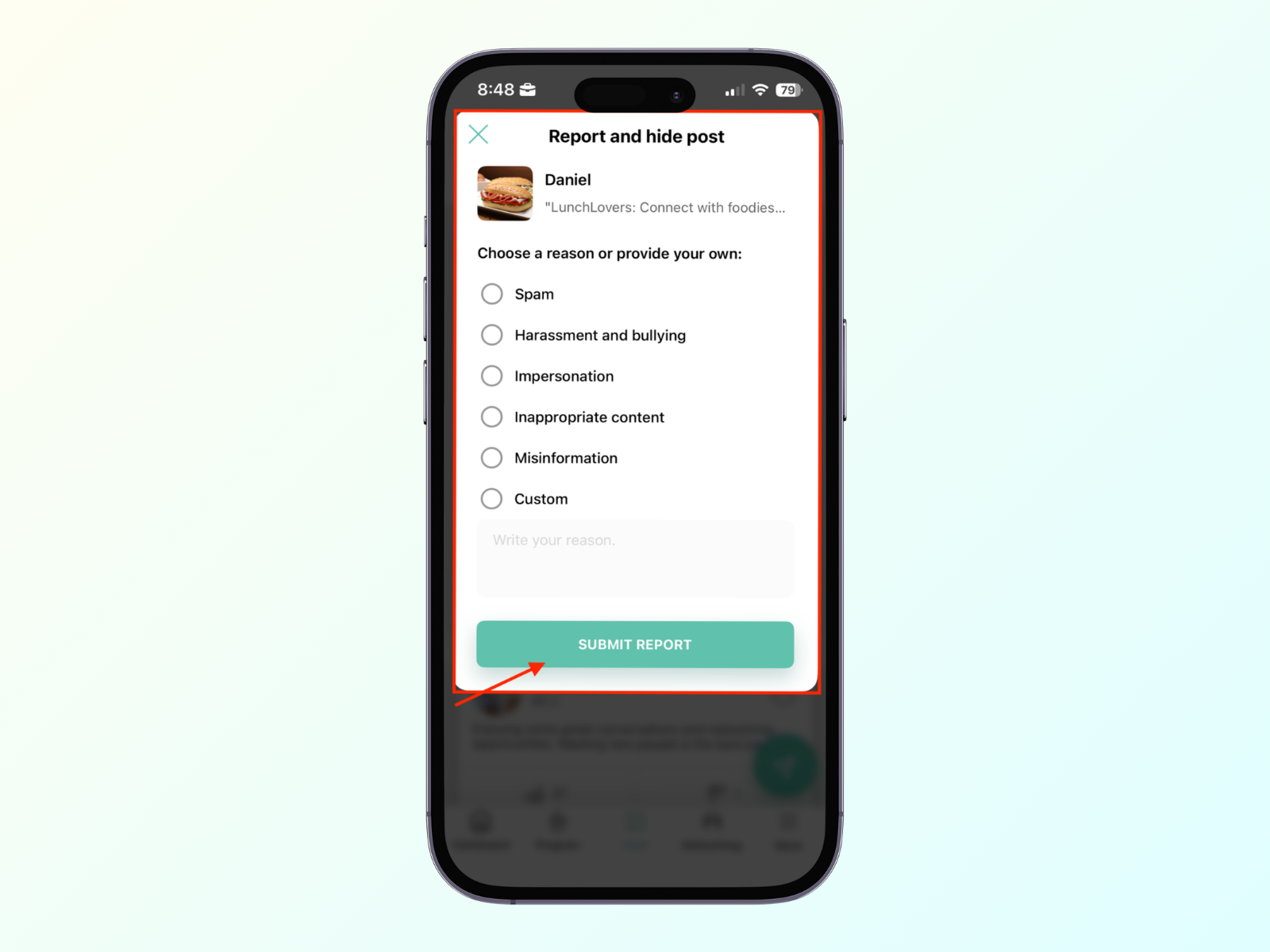
Click on the Submit report button.
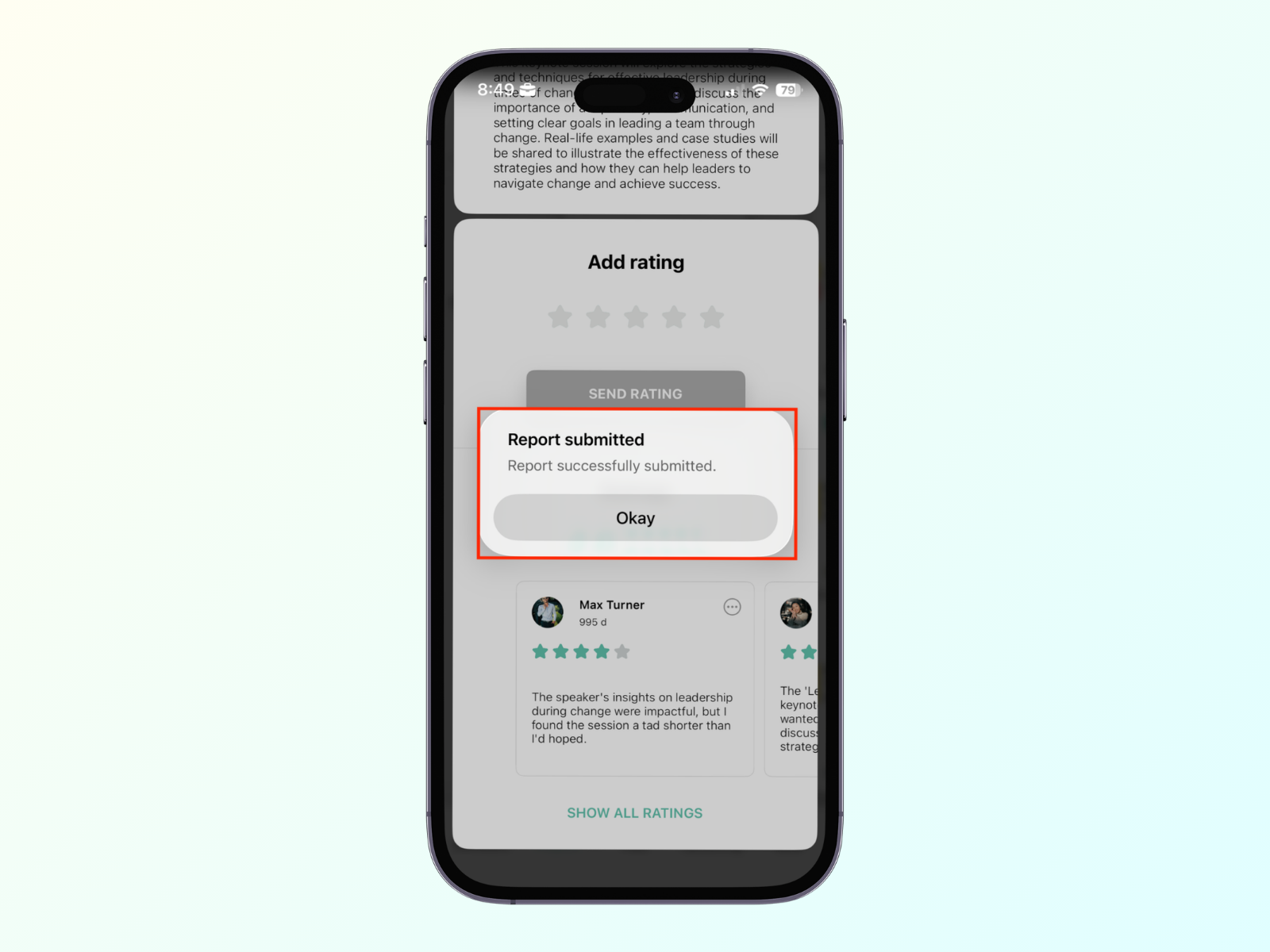
The success message appears, and the post is hidden
If you report posts from the same user three times, the system will ask after the third report if you also want to report the user.
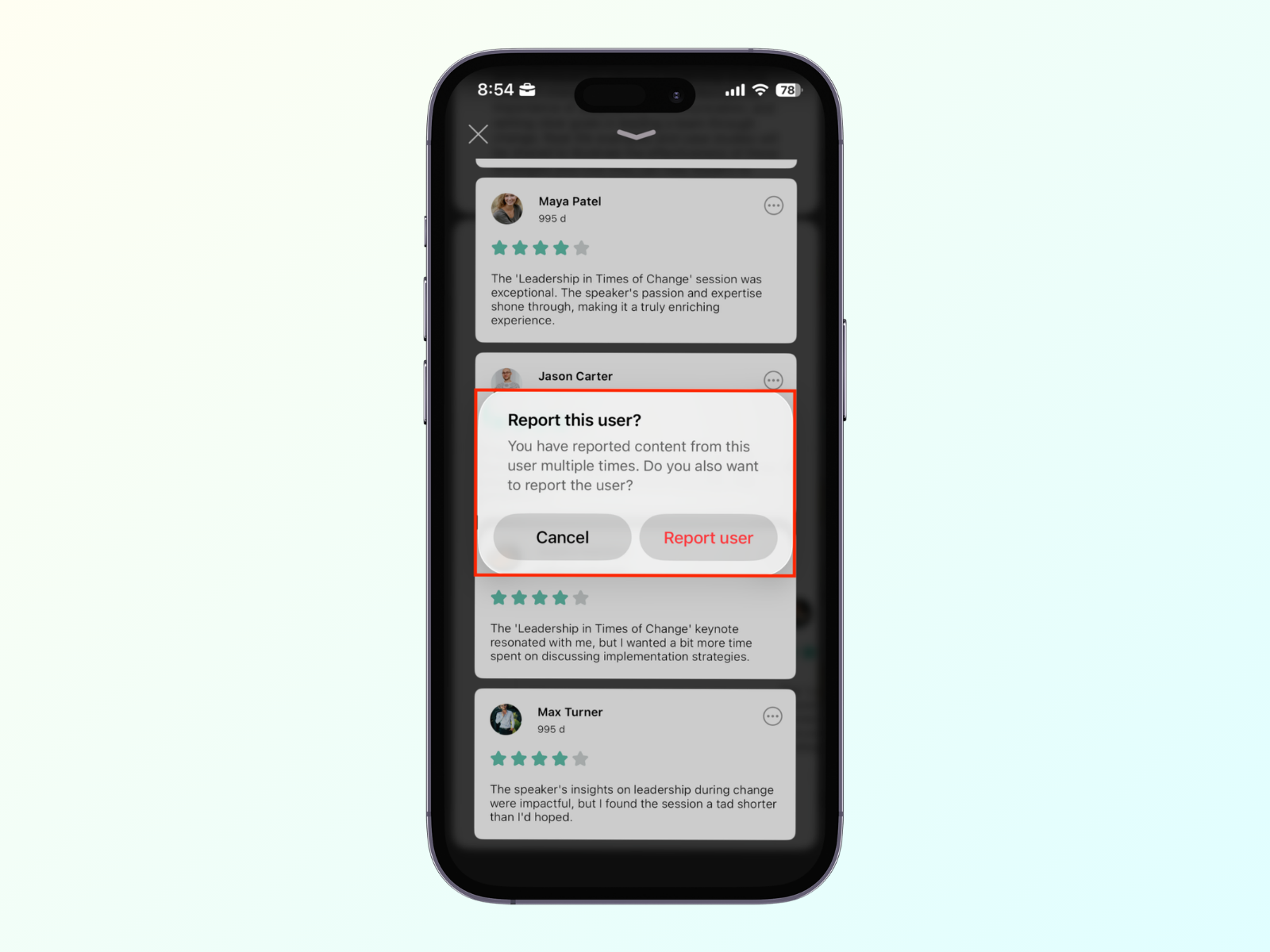
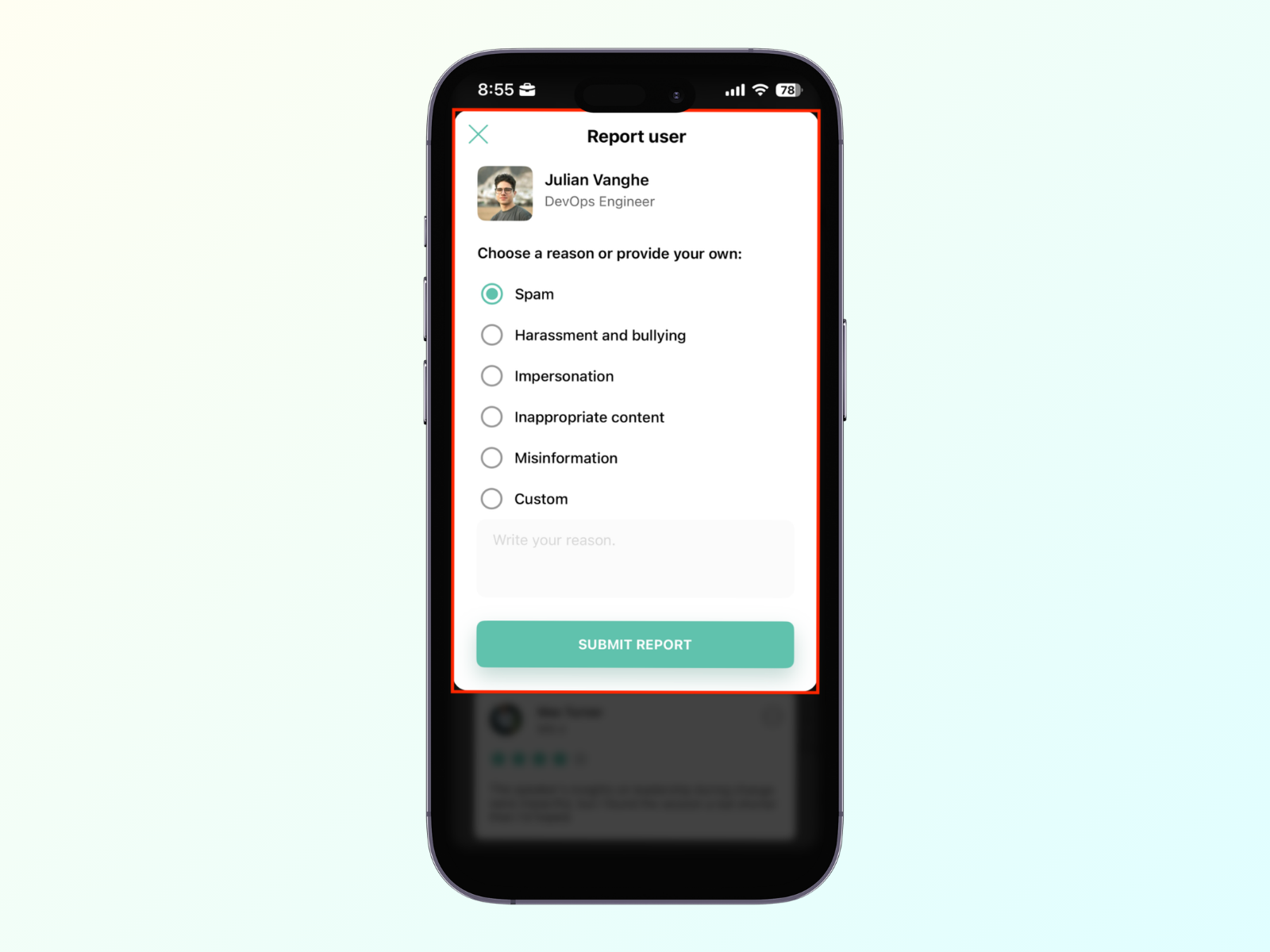
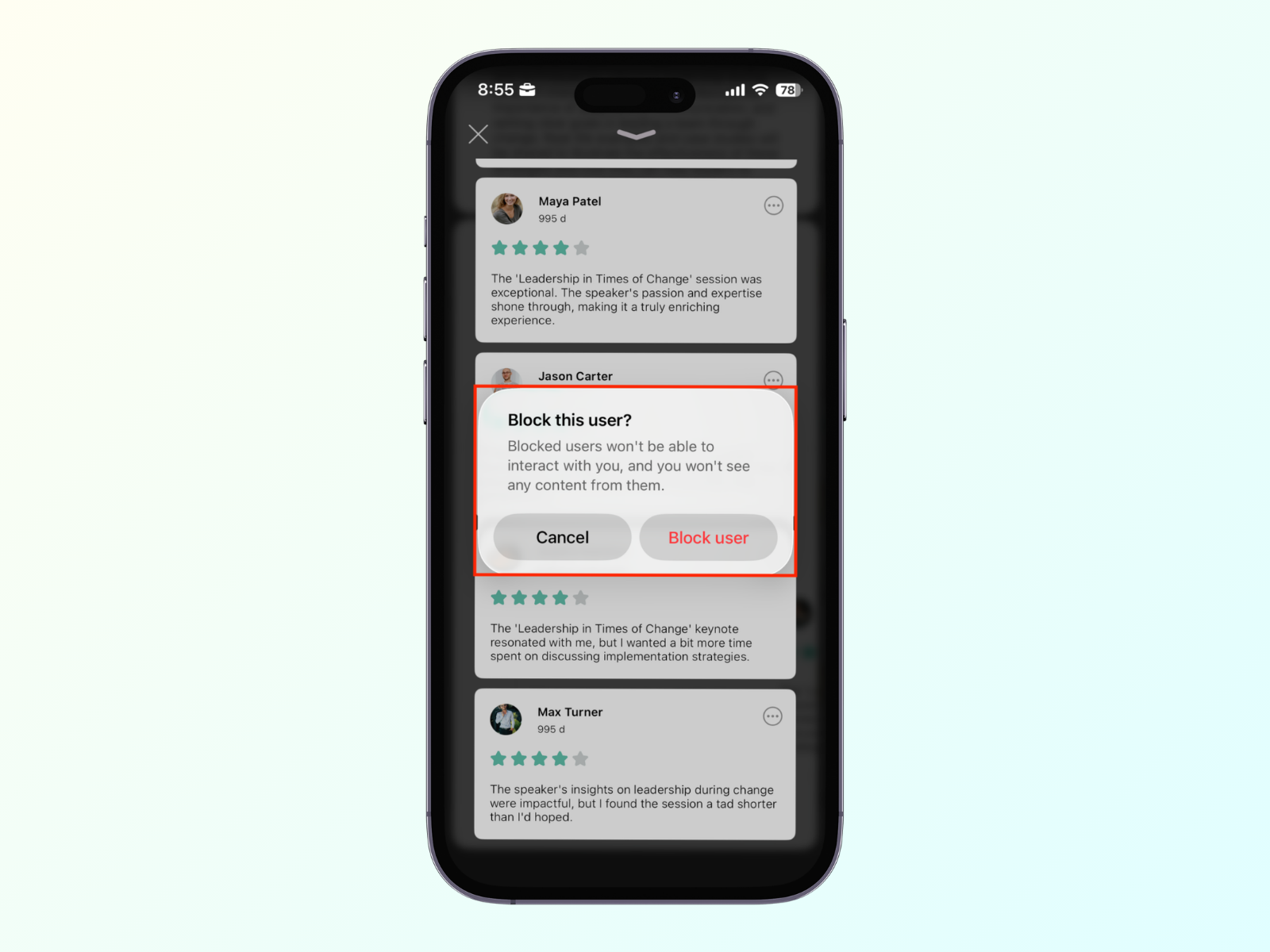
Once you click the 'Submit report' button, the system will ask if you want to block them entirely. Blocking a user means they can no longer interact with you, and you won't see any of their content.
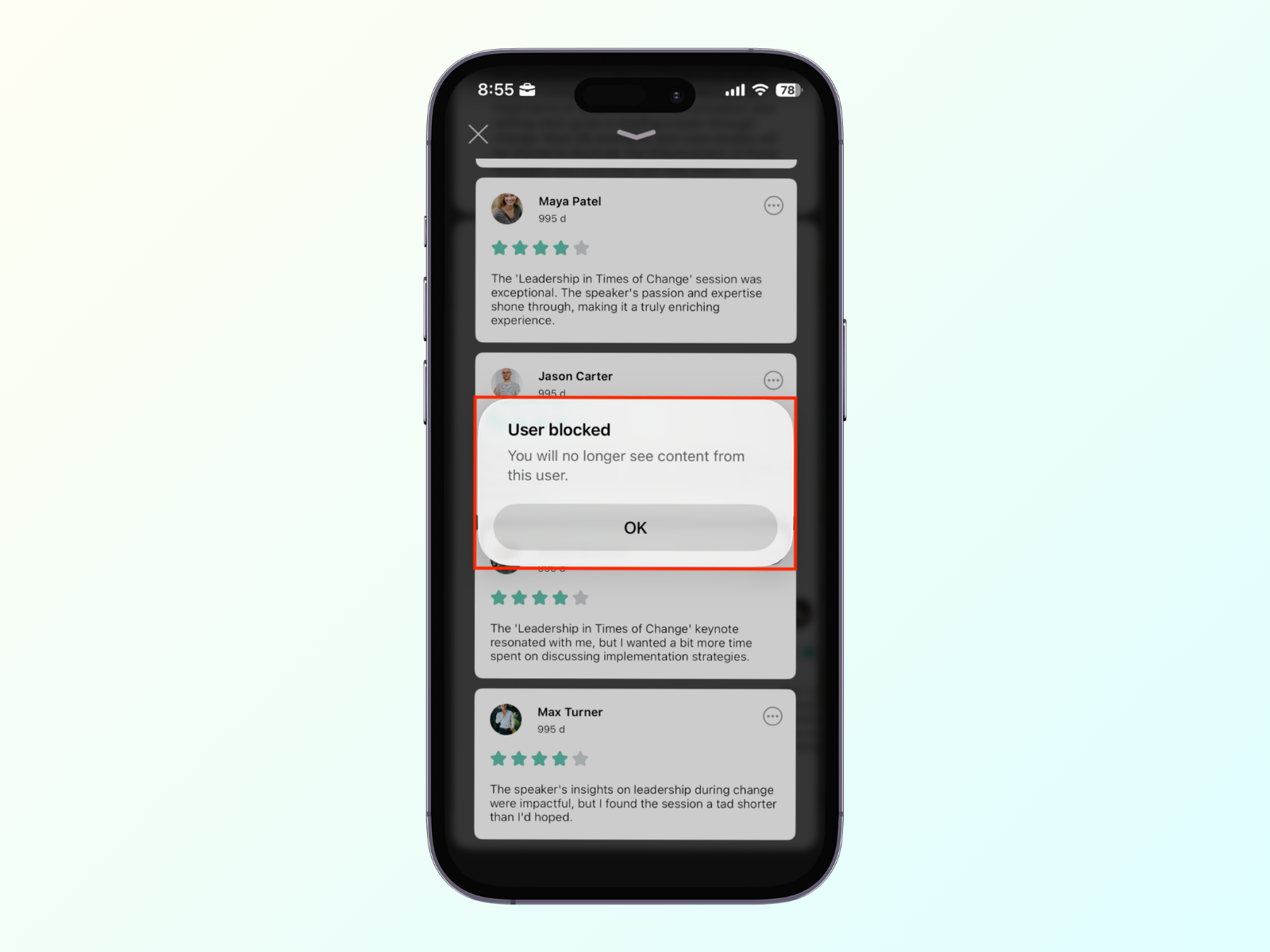
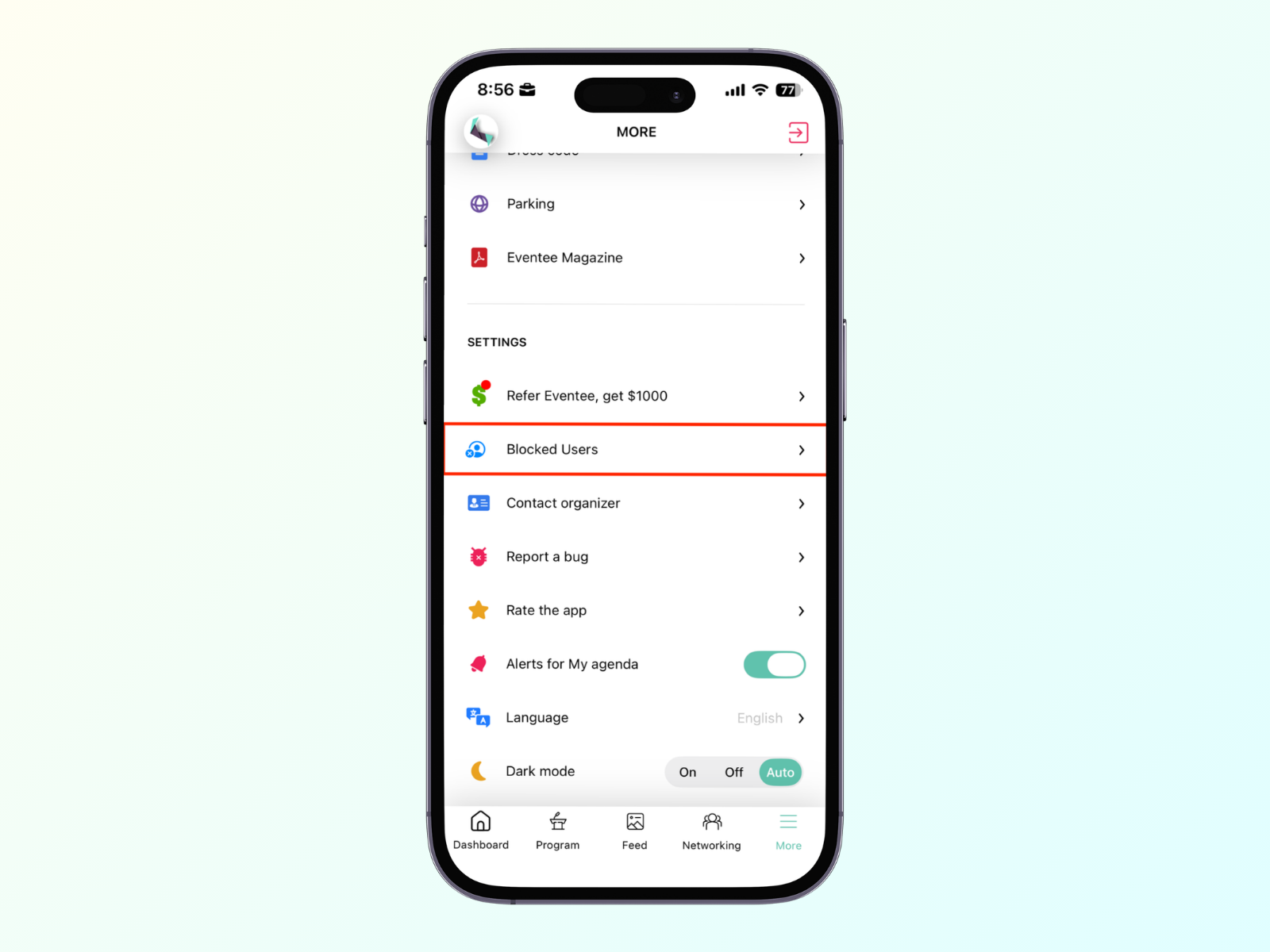
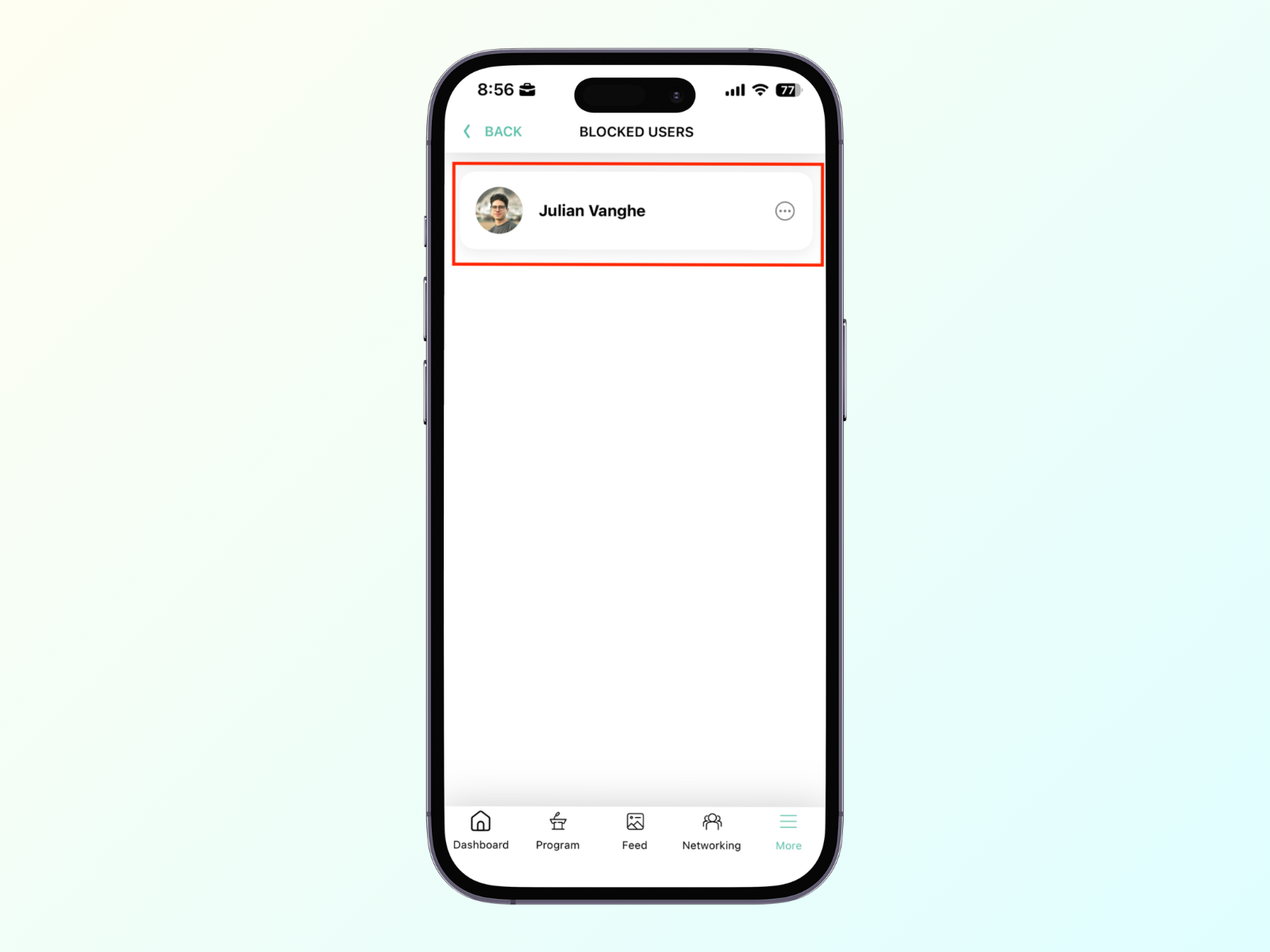
You can find your list of blocked users by navigating to More -> Blocked Users. Clicking on a blocked user will unblock them.
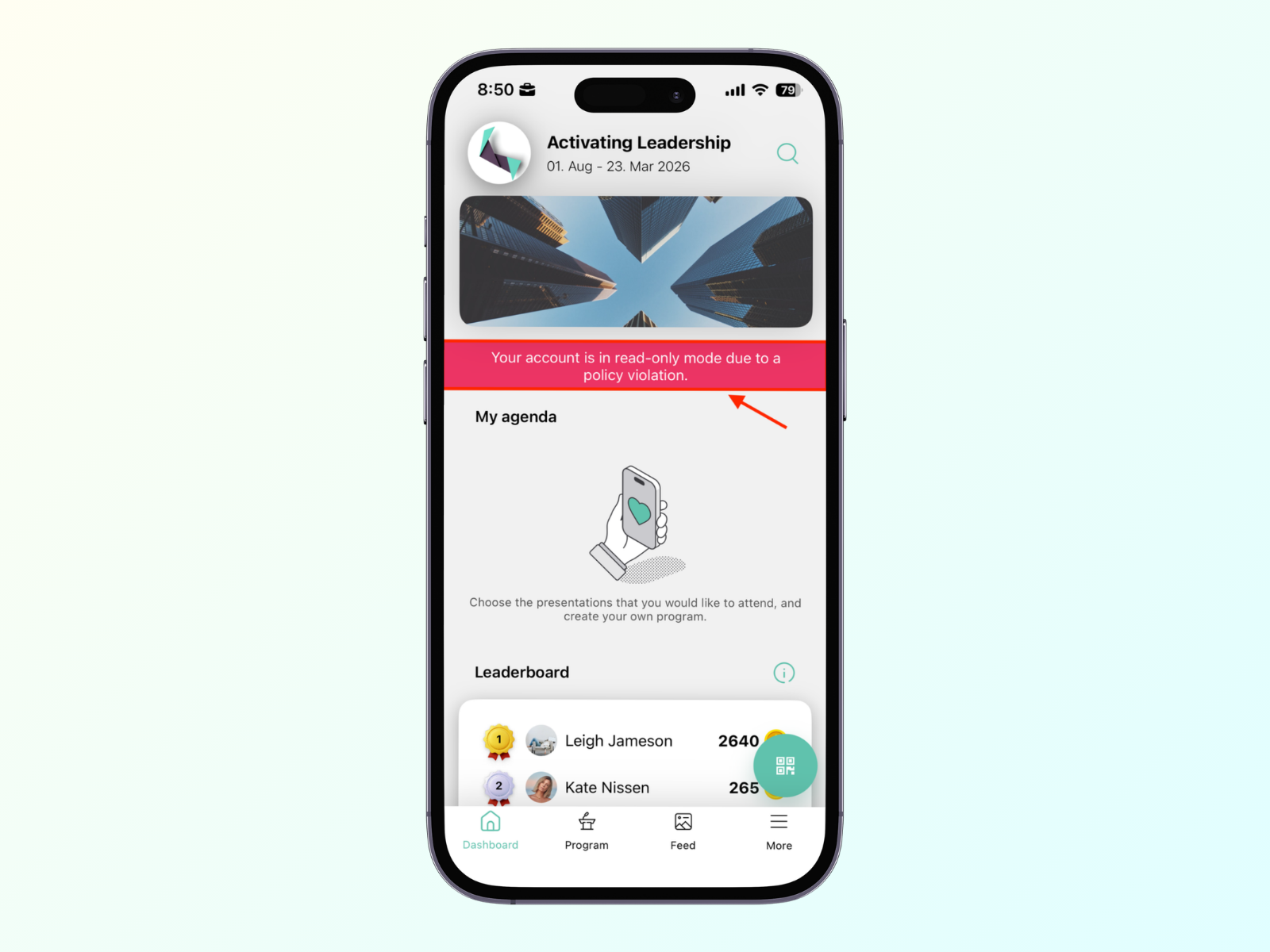
If the administrator acknowledges your report about the user, the reported user will switch to read-only status, have restricted access to the app, and see a red warning message in the app.