Eventee Check-in app (web version) supports external QR code scanners.
Most keyboard-wedge scanners (scanners that type the scanned content as if it were entered from a keyboard) will work, as long as they can scan QR codes that contain a URL (web link). You can use these scanners to scan both the Attendee QR and the Attendee ticket to check in attendees.
Some keyboard-wedge QR scanners don’t have URL (web link) QR support enabled by default. In most cases, you can enable it by scanning special configuration QR codes or barcodes provided by the manufacturer—see your scanner’s manual for details.
## Tested scanners
We’ve tested the following scanners with the Eventee Check-in app (web). The results below apply to our test setup (browser + device) and may vary depending on scanner configuration.
### ✅ Zebra DS9308 (USB)
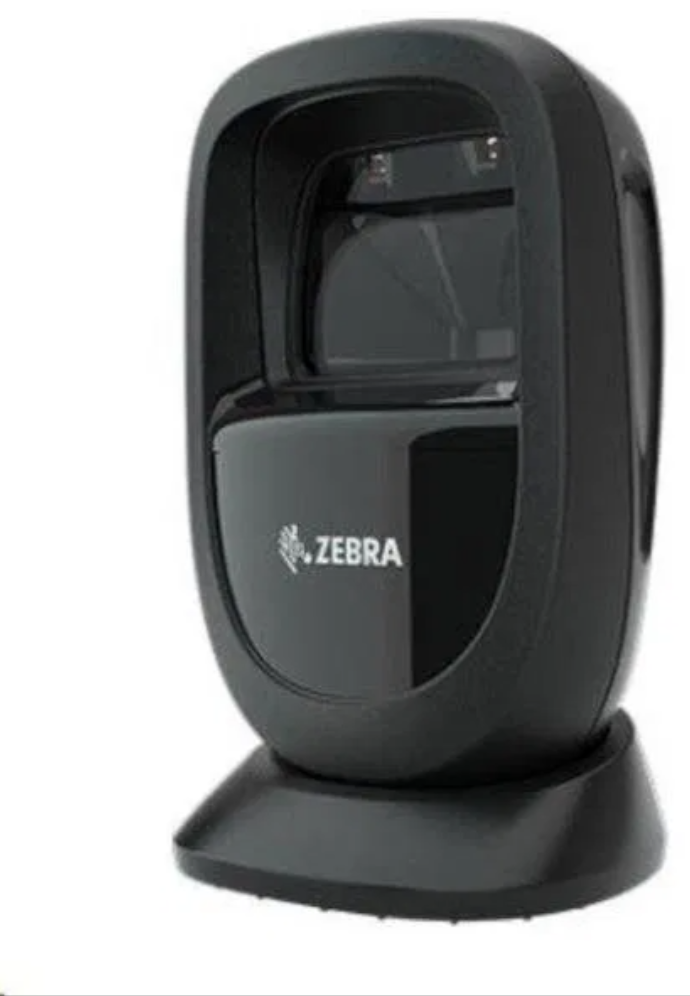
This scanner should work out of the box. Web link QR scanning should be allowed by default.
### Honeywell Genesis XP 7680g (USB)
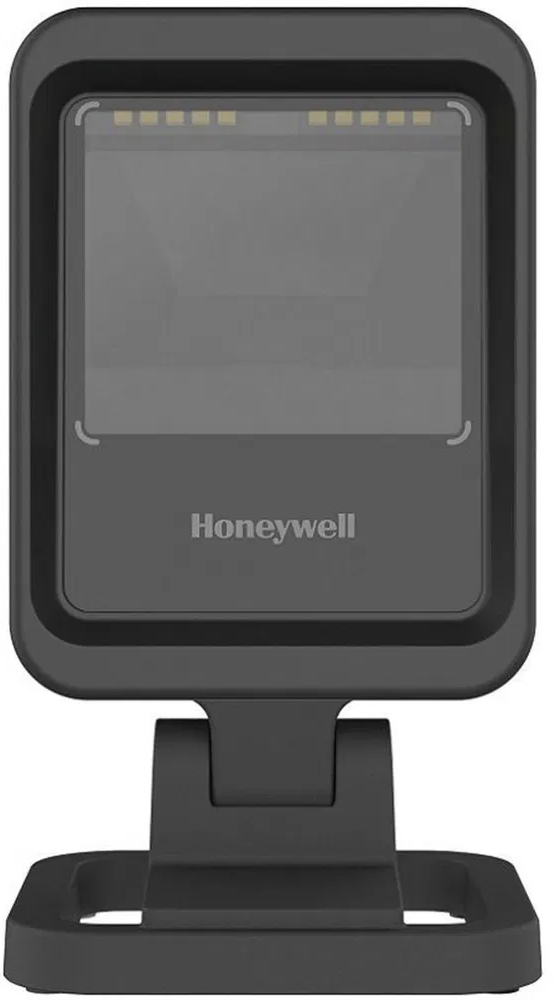
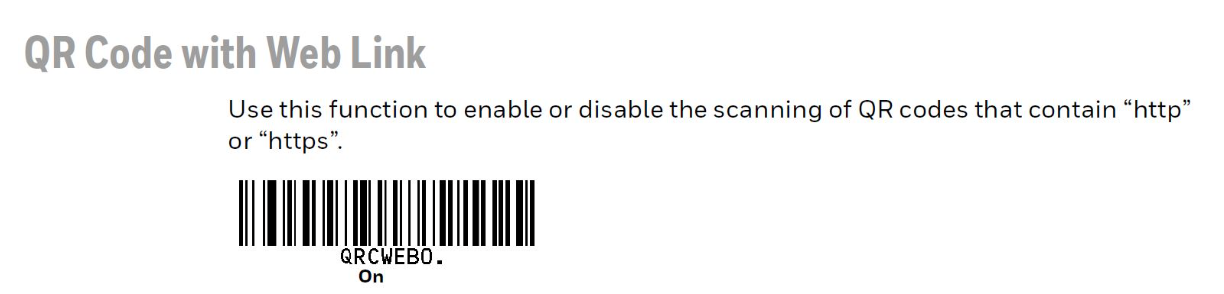
To make this QR scanner work, you need to allow scanning QR codes with a web link. To do that, scan this barcode, which will enable scanning QR codes with web links.
### ❌ Maxxo SL2DUD
NOT SUPPORTED
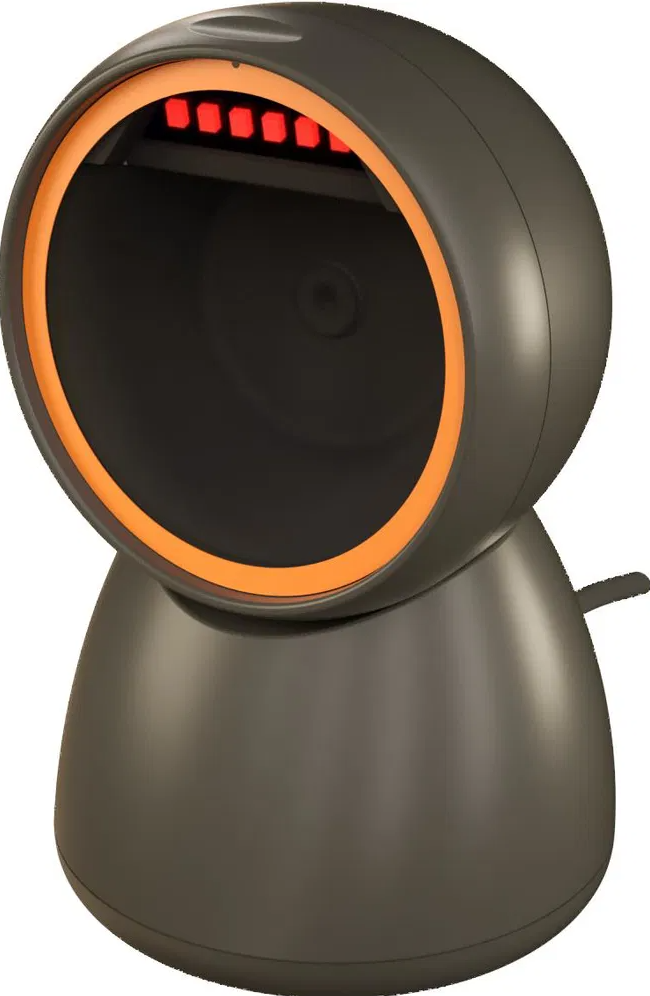
This scanner doesn’t allow scanning “web link” QR codes.