
The floating scan button is located at the bottom right of the dashboard. Tapping it opens a modal dialog; from there, you can scan an exhibitor's QR code to collect gamification points.
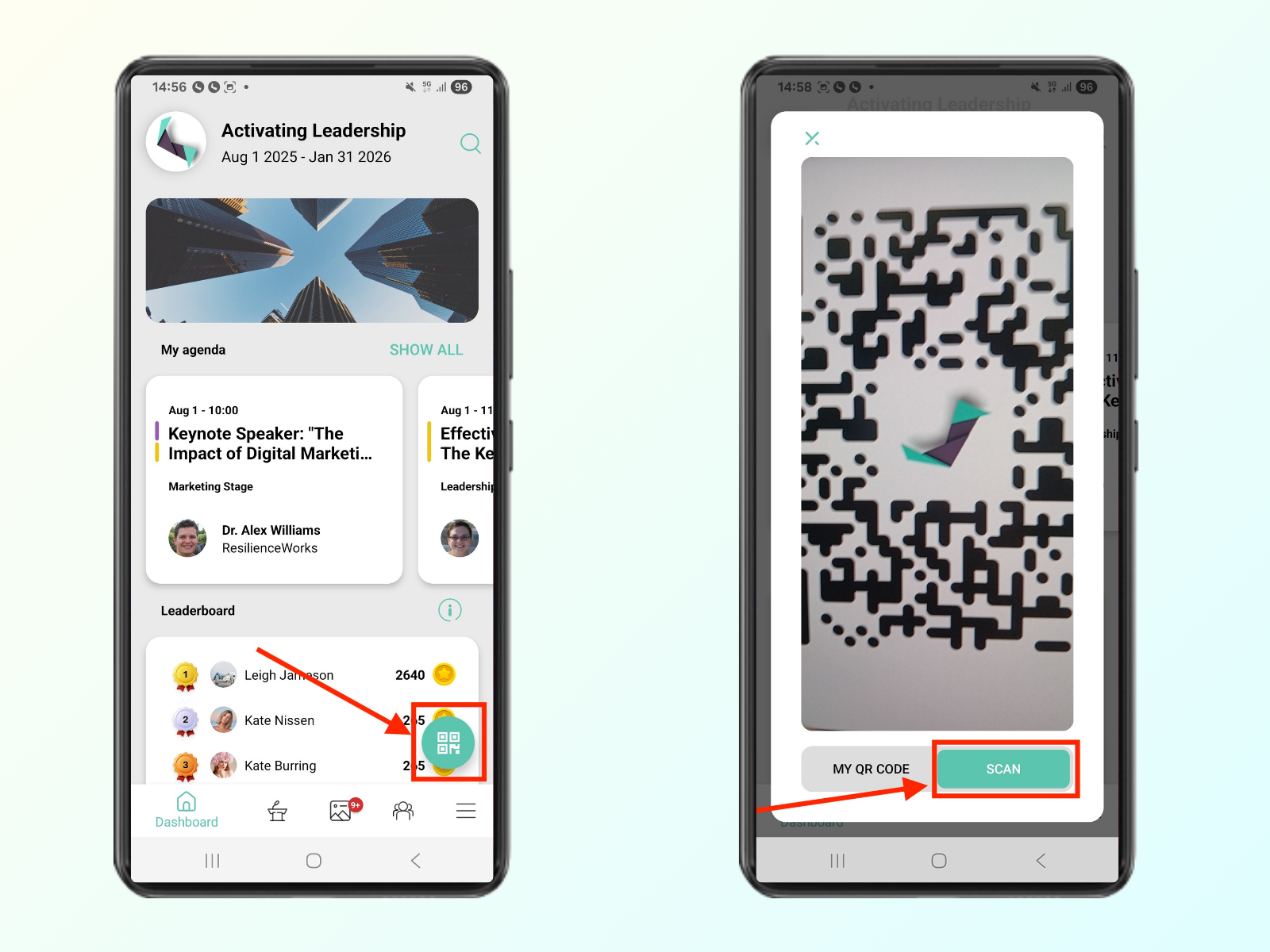

Please note that points are only awarded for the first scan of an exhibitor's QR code. Scanning the same code again will not grant you additional points.